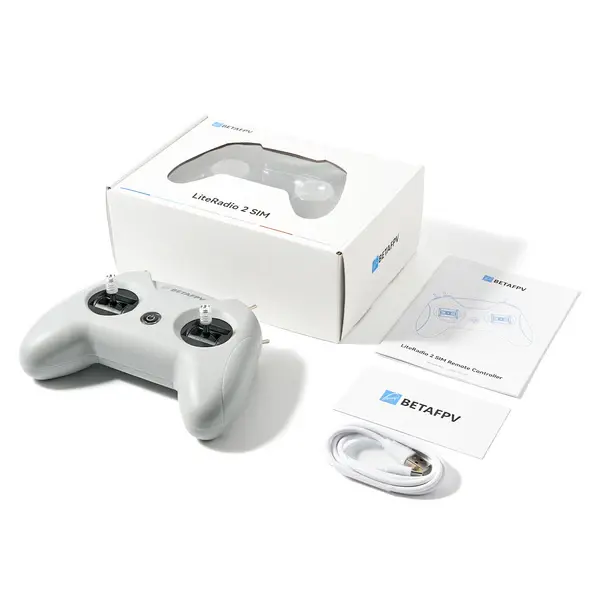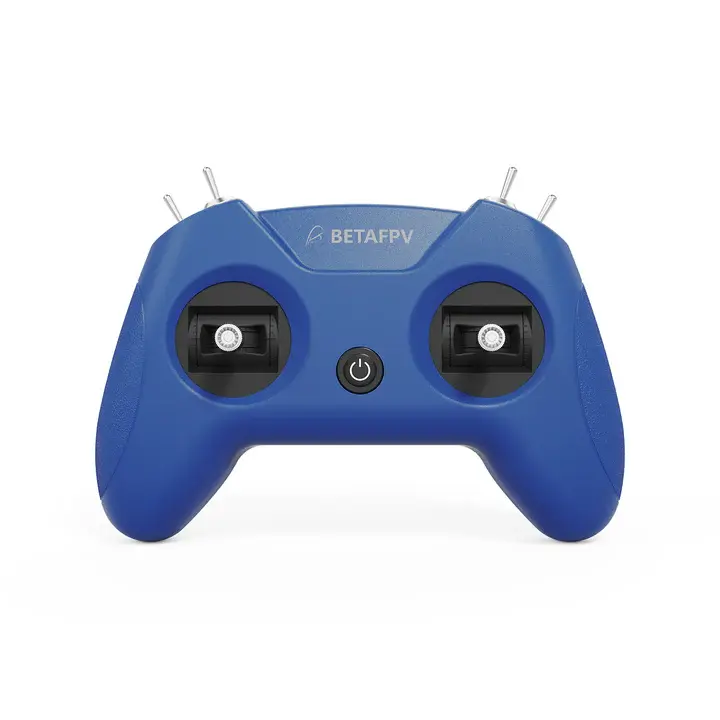
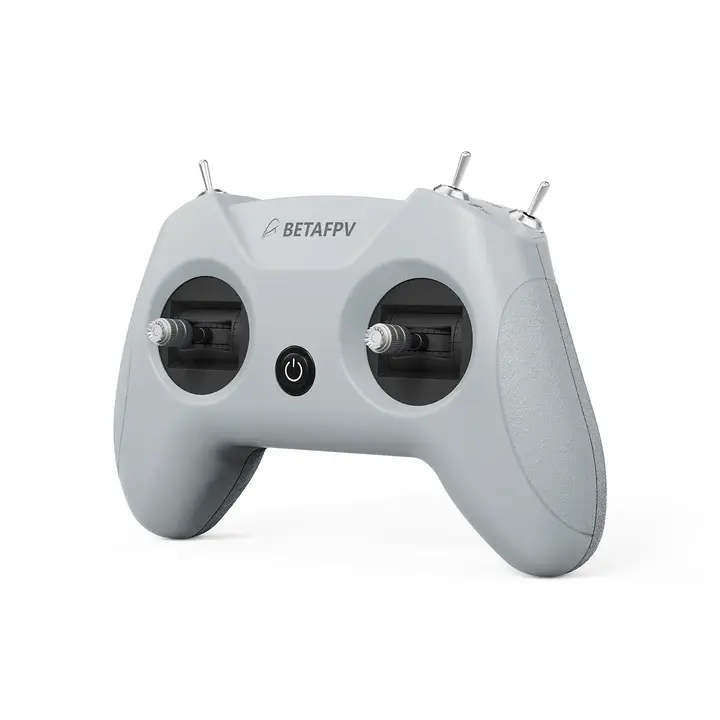
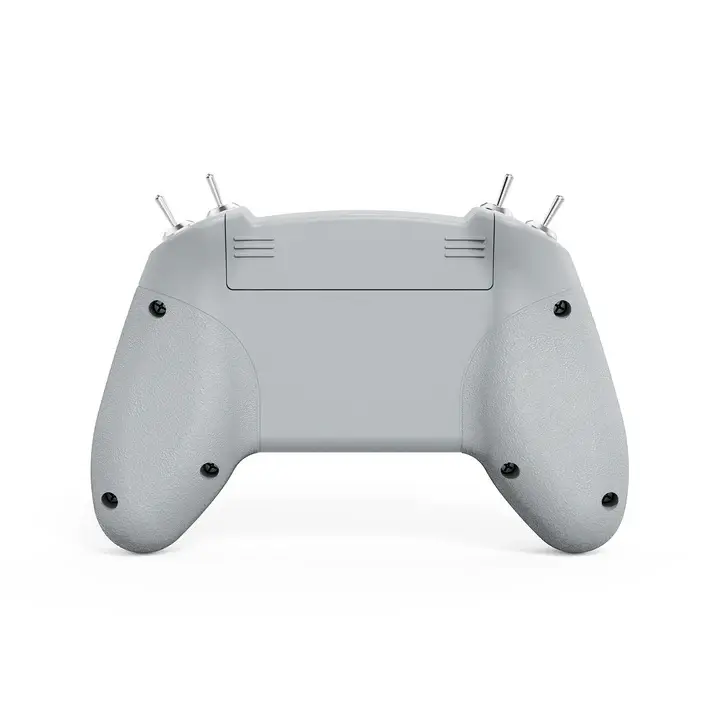
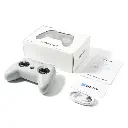
BetaFPV LiteRadio 2 SIM Controller (Dark Blue)
BetaFPV LiteRadio 2 SIM Controller (Dark Blue) is the perfect low-cost ticket into the thrilling world of FPV drones. Plug it in, fire up your simulator, and feel the rush of real flight as you practice, crash, and improve — all without risking a single propeller. This little controller is your shortcut to mastering FPV and joining the community everyone’s talking about.
Just keep in mind: it has no built-in battery and no RC transmitter — it’s powered directly from USB-C and made purely for simulator training. Your FPV journey is about to take off!
BetaFPV LiteRadio 2 SIM Controller (Dark Blue) Excellent for Beginners
BetaFPV LiteRadio 2 SIM Controller (Dark Blue) engineered exclusively for simulator training, the LiteRadio 2 SIM Controller offers an authentic FPV flight feel without any risk. Thanks to its triple-mode connectivity (Joystick/Xbox/Dongle), it is fully compatible with major platforms such as DRL, VelociDrone, and DJI Virtual Flight. Easily configure your hardware via the BETAFPV Configurator and enjoy a stable USB-C connection to your computer or mobile devices. Your ultimate companion for mastering your flying skills!
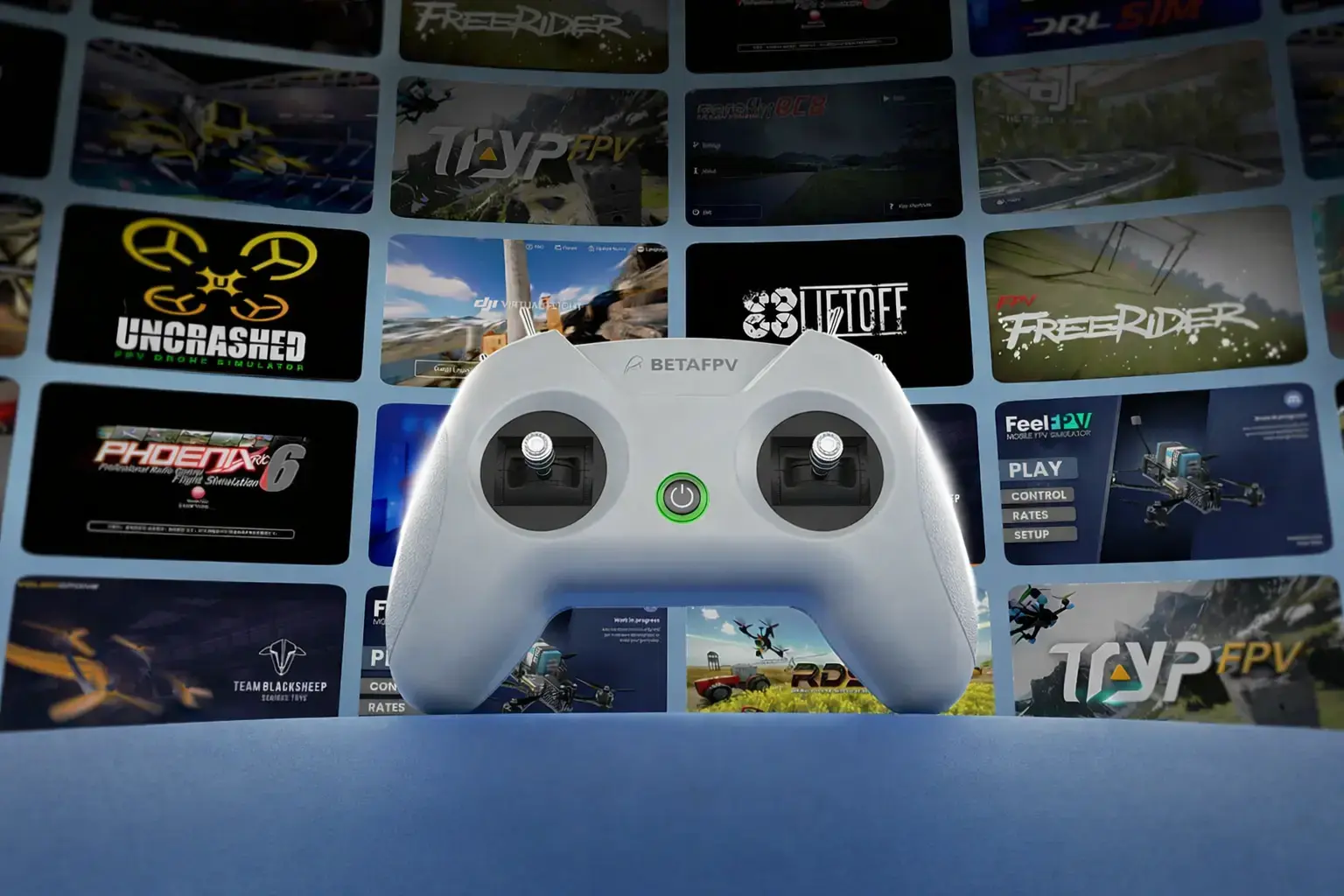
BetaFPV LiteRadio 2 SIM Controller (Dark Blue) Bullet Points
- Triple-Mode Sim Access: Practice on every major FPV simulator
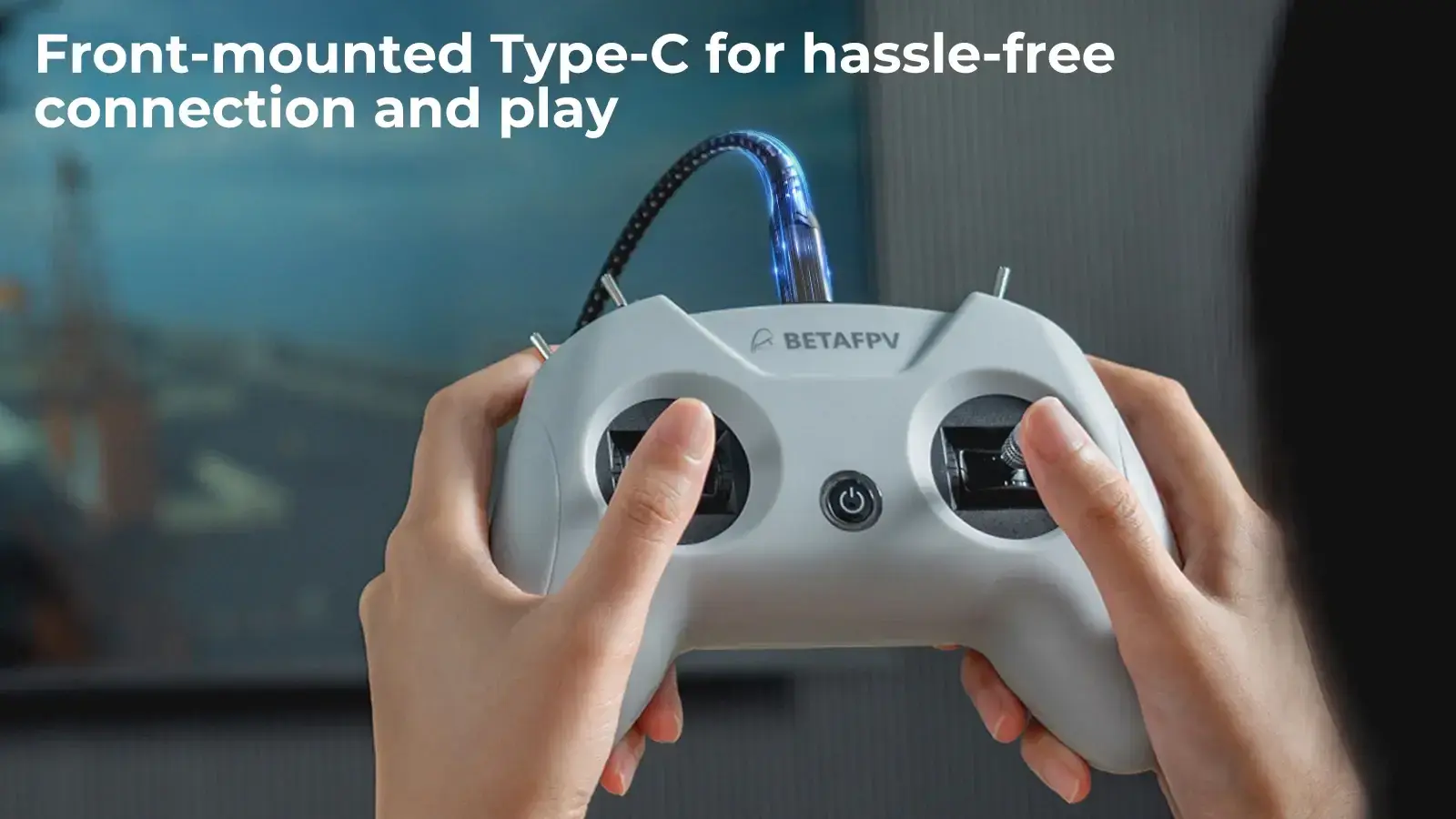
- Plug & Play Convenience: Front-mounted Type-C for hassle-free connection and play
- Engineered for Effortless Mastery: BETAFPV's latest gimbal & LiteRadio system for precise simulator response
- Future-Proof Performance: Seamless firmware upgrades via BETAFPV Configurator for new sims and features
Triple-Mode Sim Access
The LiteRadio 2 SIM unlocks universal simulator compatibility across every major FPV and RC flight simulator on
Windows/macOS/Android, providing a seamless cross-platform training experience for pilots at any skill level.
JoyStick Mode

The default plug-and-play mode for most popular FPV simulators on Steam and other platforms. It is compatible with Windows, macOS, and Android. Perfect for titles like VelociDrone, UNCRASHED, DRL, DCL, Liftoff, TRYP FPV, FeelFPV, FPV Freerider, RaceFly, and other FPV simulators on Steam.
Just connect via Type-C, and it is instantly recognized as "BETAFPV Joystick".

Xbox Mode
Specifically designed for simulators that require an Xbox controller input, such as DJI Virtual Flight and Aerofly RC 8.
To activate, move the left stick to the lower right and the right stick to the lower left while connecting the cable. The indicator light will flash white three times to confirm you are ready to fly.
Dongle Mode
A dedicated mode that allows the controller to act as a hardware interface for specialized software like Phoenix RC 6.0.
To enter this mode, move the left stick to the upper right and the right stick to the upper left while connecting. The indicator light will flash blue three times, ensuring compatibility with classic RC flight training.

Engineered for Effortless Mastery
Featuring a front-mounted Type-C port that eliminates cable strain and enables true plug-and-play operation (connect → fly within seconds), paired with LiteRadio's pro-grade gimbal for pixel-perfect control. Perfect for beginners yet robust enough for advanced training, this controller transforms any desk into a high-performance simulator cockpit.
Update via BETAFPV Configurator
The LiteRadio 2 SIM Controller stays future-ready with updates via the BETAFPV Configurator, ensuring compatibility with new simulator releases and features. The BETAFPV Configurator is an open-source configuration tool tailored for BETAFPV drones and remote controls. It enables pilots to effortlessly configure and fine-tune various parameters, ensuring more efficient and optimized flight control.
Download address: https://github.com/BETAFPV/BETAFPV_Configurator/releases
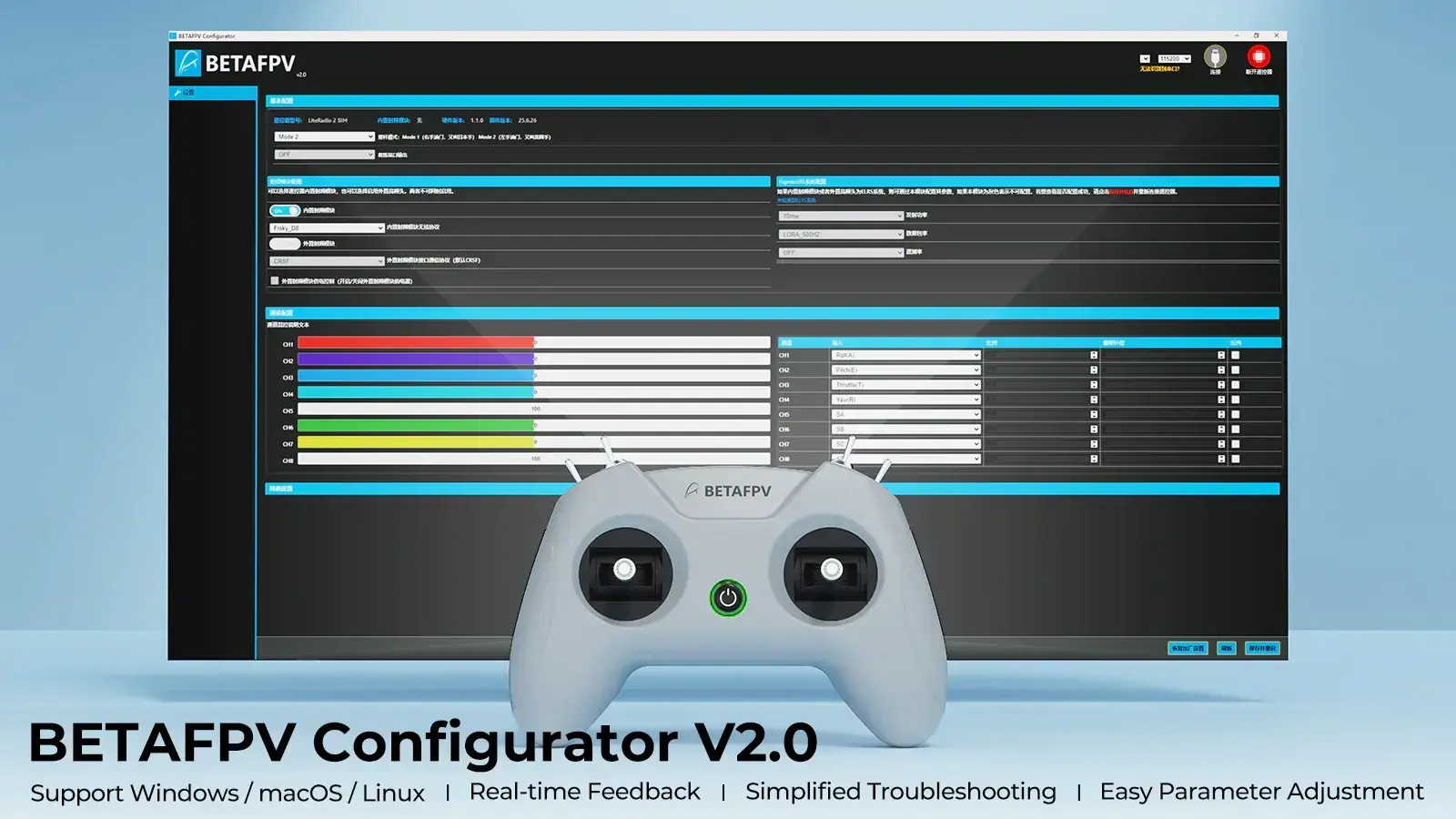
BETAFPV Configurator features:
- Easy Parameter Adjustment: Designed for BETAFPV's LiteRadio series and Cetus drones with position-hold and auto-hovering features, the software allows pilots to effortlessly adjust PID controller parameters through an intuitive graphical interface, optimizing flight performance with ease.
- Real-Time Feedback: Instantly displays the effects of parameter adjustments, providing real-time monitoring and helping pilots quickly evaluate and refine settings for the drones or remote controls.
- Efficient Troubleshooting: With built-in diagnostic tools, the software assists pilots in checking firmware versions and product status when a issue arises, making it easier to identify and resolve issues, minimizing downtime.
- Streamlined Firmware Flashing: Features a user-friendly firmware flashing mechanism for drones and remote controls, complete with guided instructions and progress indicators, ensuring smooth, error-free updates.
Note: Press the power button on the controller and then connect it to the PC for flashing. Or it will render the USB port non-functional.
Diagram
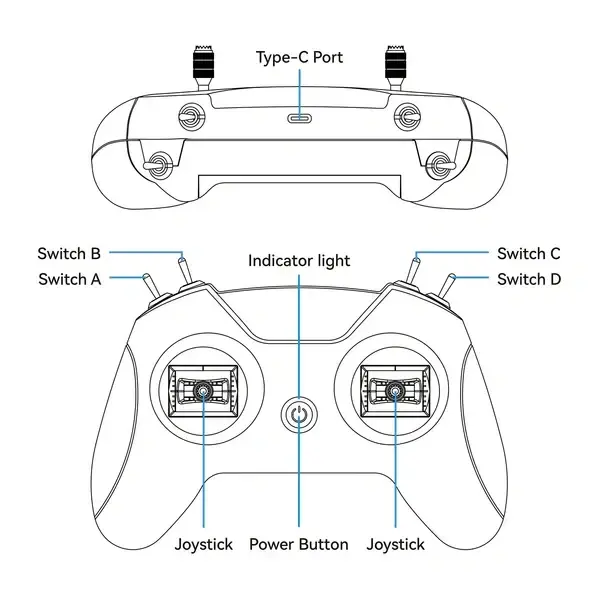
BetaFPV LiteRadio 2 SIM Controller (Dark Blue) - Specifications
Item | LiteRadio 2 SIM Controller |
Channel | 8 |
Gimbal | Potentiometer Gimbal |
Operating Power | 30mA/5V |
Port | Type C |
Power Supply | USB cable connection |
Operating Temperature | -10℃ to 40℃ (14°F to 104°F) |
Weight | 150 g |
Dimensions | 64.5 × 115.3 × 164.6 mm |
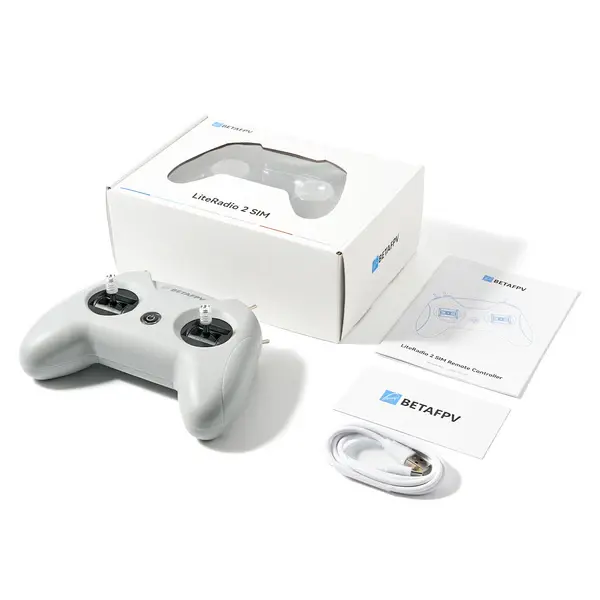
BetaFPV LiteRadio 2 SIM Controller (Dark Blue) package detail
- 1 x LiteRadio 2 SIM Controller (Dark Blue)
- 1 x USB Type-C Cable
- 1 x User Manual