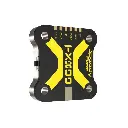
SpeedyBee TX800 VTX
SpeedyBee TX800 Video Transmitter Delivers Clean, Reliable 5.8 GHz FPV Video
The SpeedyBee TX800 is a compact 20x20mm-mount analog video transmitter built for FPV freestyle and racing setups. It switches between 25, 200, 400 and 800mW output across 48 channels on the 5.8 GHz band, and its high-efficiency heat sink keeps the board cool through long, high-power flights while weighing just 5.6g without an antenna. IRC Tramp protocol support lets you change channel, band and power directly from your radio or OSD, and Betaflight VTX Pit Mode support lets you mute transmission on the ground without disturbing other pilots. Choose the base TX800 set, or a set with an additional SpeedyBee 5.8 GHz Antenna V2 RHCP antenna (circular RHCP polarisation, 2.8dBi gain) in a straight or 90° MMCX version.
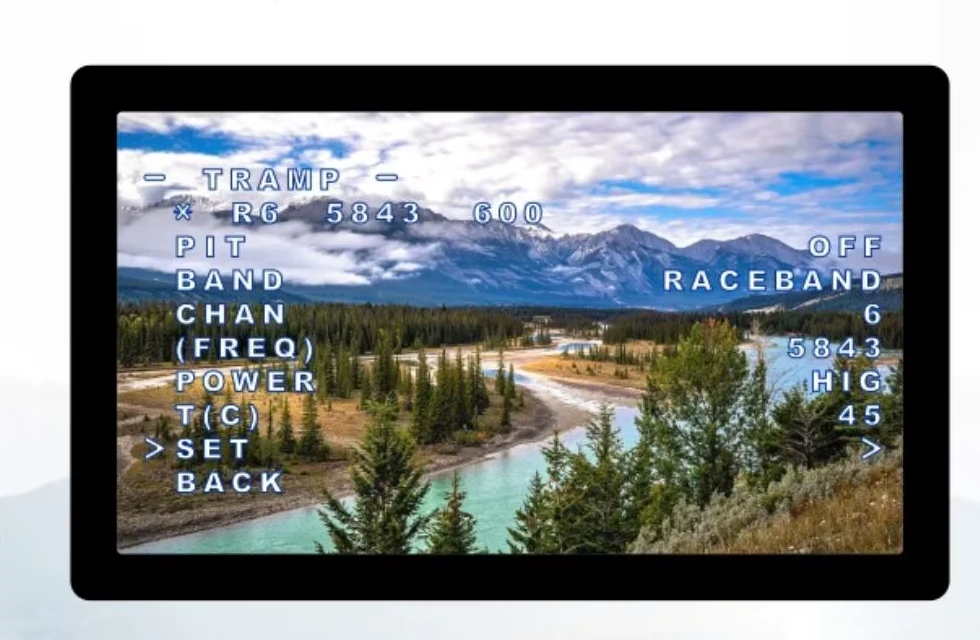
IRC Tramp Protocol Support
The TX800 supports the IRC Tramp protocol, letting you change video transmission parameters — including frequency and power — directly from your radio. On Betaflight firmware 4.1.0 and above you'll need to upload a VTX table to the flight controller first; if your flight controller supports Bluetooth or Wi-Fi, the SpeedyBee app can also change these parameters.
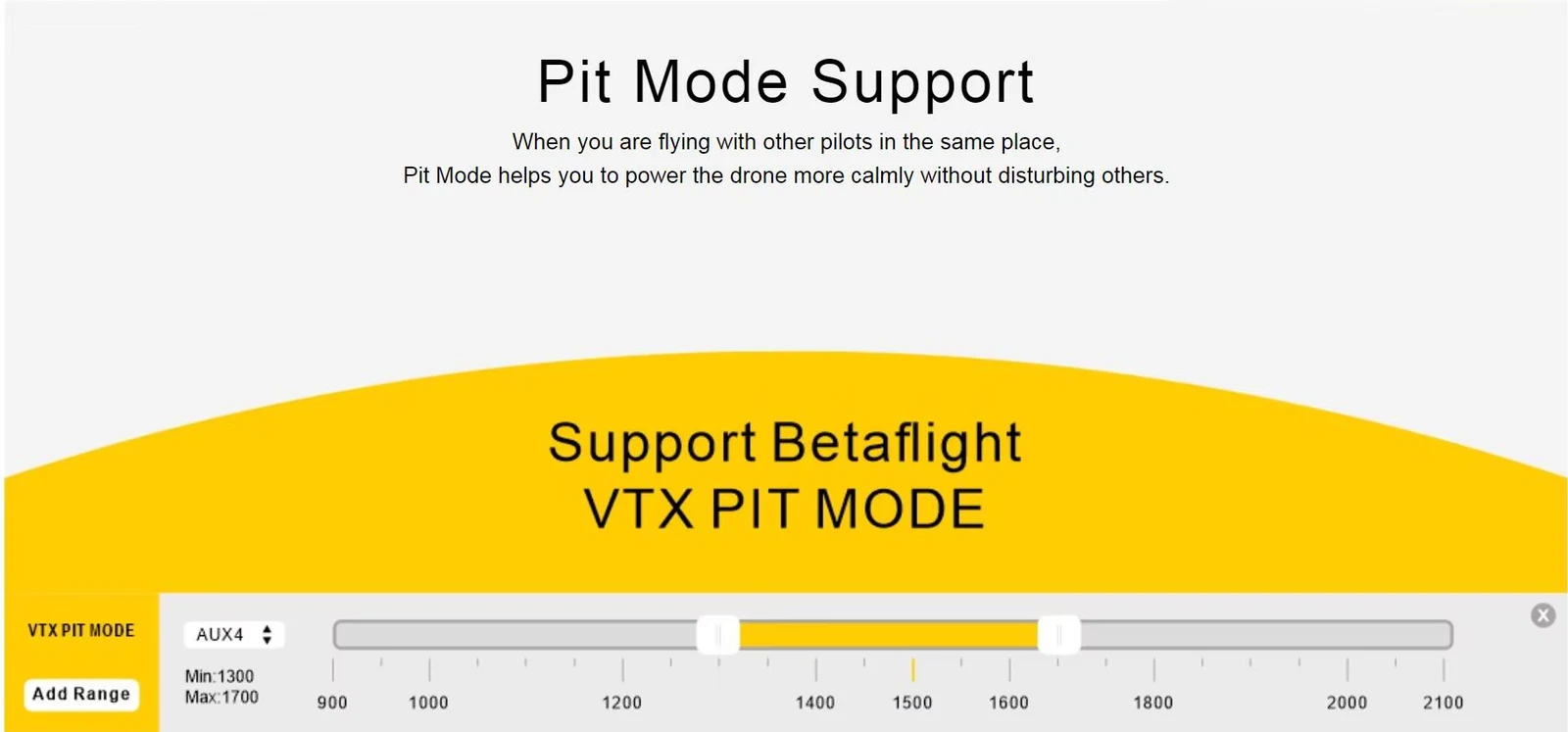
Pit Mode for Flying Alongside Other Pilots
When you're flying with other pilots in the same spot, Pit Mode lets you power up the drone without putting a live signal on the air, and it's configured as a simple AUX-channel range in Betaflight.
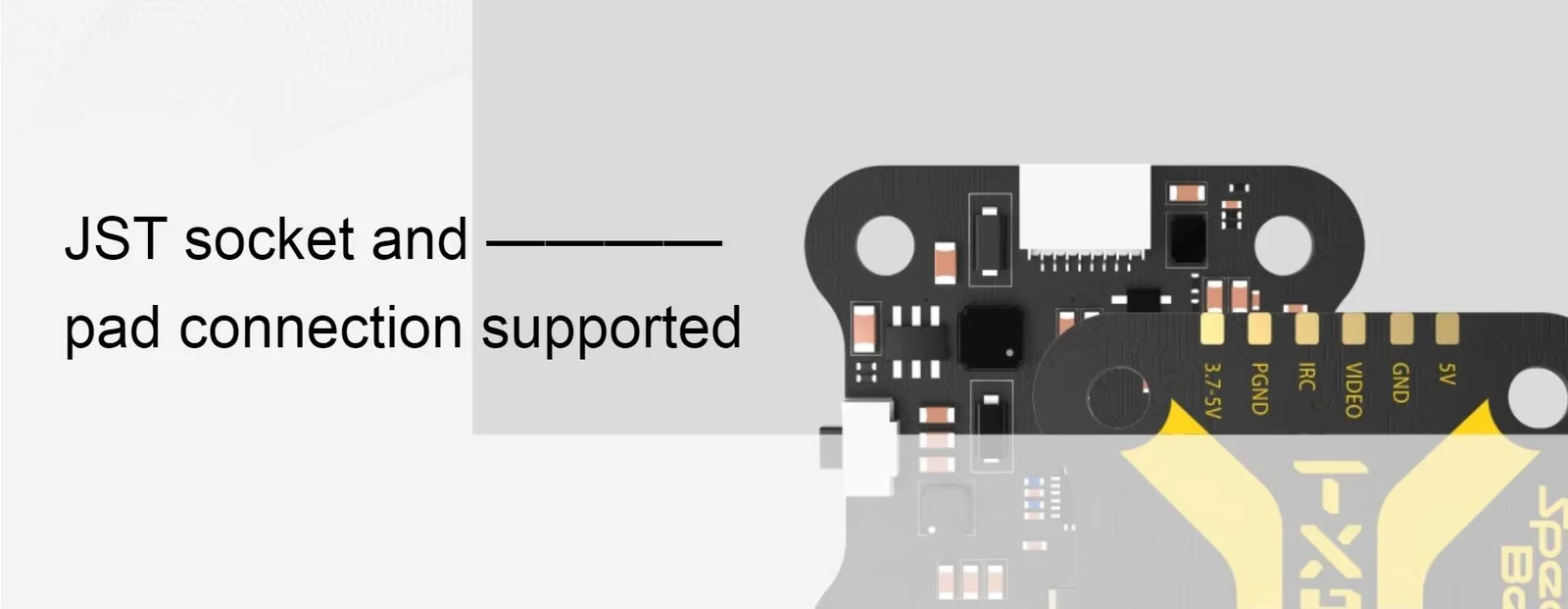
JST Socket and Solder-Pad Connection, Your Choice
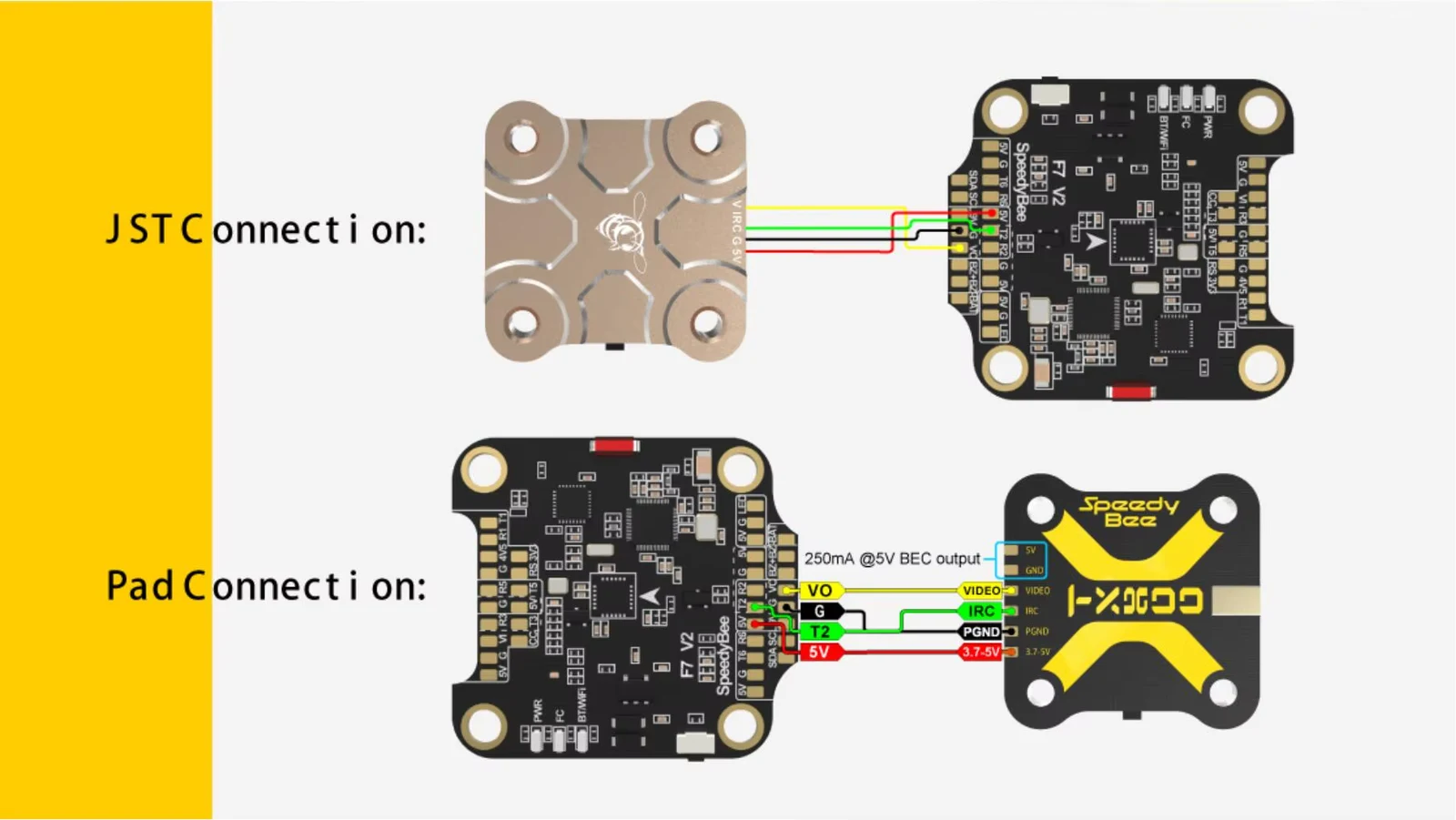
Wire the TX800 to a flight controller two ways: plug the bundled JST cable straight into a matching JST socket for a solderless hookup, or solder directly to the VIDEO, IRC, GND and 5V pads when your flight controller has no matching connector.
SpeedyBee 5.8 GHz Antenna V2 RHCP in the Antenna Variants
Both antenna variants add a SpeedyBee 5.8 GHz Antenna V2 RHCP, which plugs straight into the TX800's MMCX connector. It is a right-hand circularly polarised (RHCP) antenna for the 5.5-6.0GHz band, with 2.8dBi gain, an axial ratio below 1.0 and an SWR below 1.1 at 5.8GHz.
An SWR this low means only a small part of the transmitter's power is reflected back from the antenna. For circular polarisation to work, pair it with RHCP antennas on your goggles or video receiver.
The straight version continues in line with the connector, while the 90° version turns at a right angle right at the plug, so you can lead the antenna out of the frame the way your build needs.
SpeedyBee TX800 Video Transmitter Key Features
Up to 800mW Output
IRC Tramp Protocol Support
Betaflight Pit Mode Support
5.6g Weight
Frequently asked questions - SpeedyBee TX800 Video Transmitter
Yes. Out of the box the TX800 ships in LOCK mode, capped at 25mW with the red LED blinking. Hold the mode button for 10 seconds to switch to UNLOCK mode and access the full 200/400/800mW power levels — check your local frequency and power regulations before doing so.
All three variants are the same TX800 transmitter. The base variant ships with the standard TX800 package, which includes an MMCX antenna; the other two add a SpeedyBee 5.8 GHz Antenna V2 RHCP antenna on top of it, in either a straight or a 90° MMCX connector, so you can match the antenna angle to your build.
Yes. The bundled JST cable plugs straight into a matching JST socket on your flight controller. If your flight controller has no matching socket, you can solder the same four signals (VIDEO, IRC, GND, 5V) to its pads instead.
Yes, it supports Betaflight's VTX Pit Mode over an assigned AUX channel, letting you mute transmission on the ground so you don't interfere with other pilots flying nearby.
Through the IRC Tramp protocol, directly from your radio or OSD once your flight controller's VTX table is set up in Betaflight. If your flight controller supports Bluetooth or Wi-Fi, you can also change these settings from the SpeedyBee app.
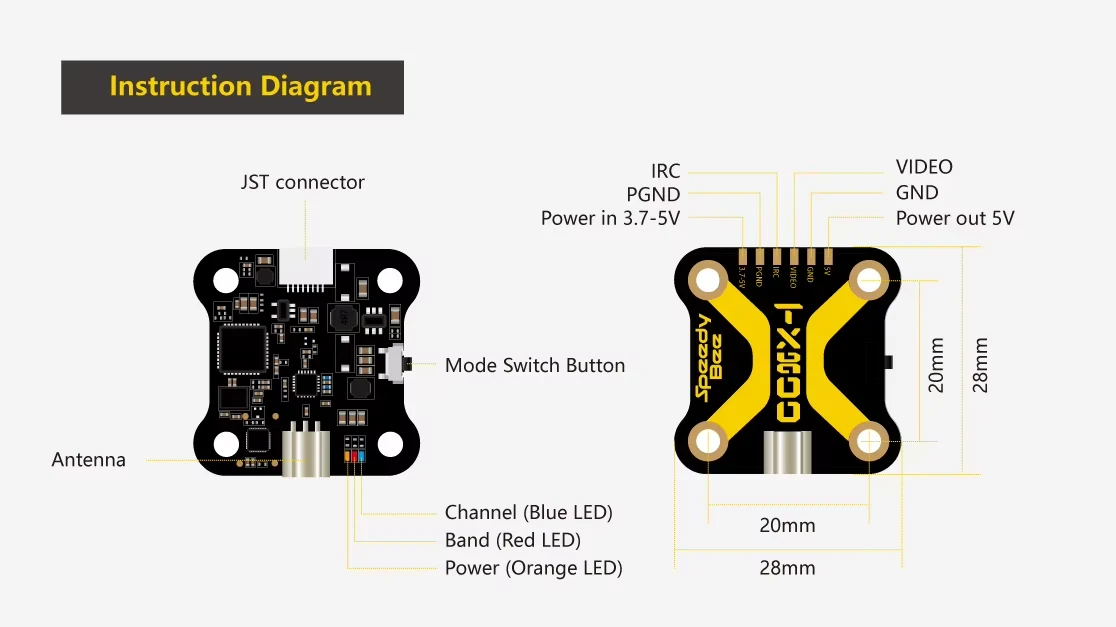
Layout and Connections at a Glance
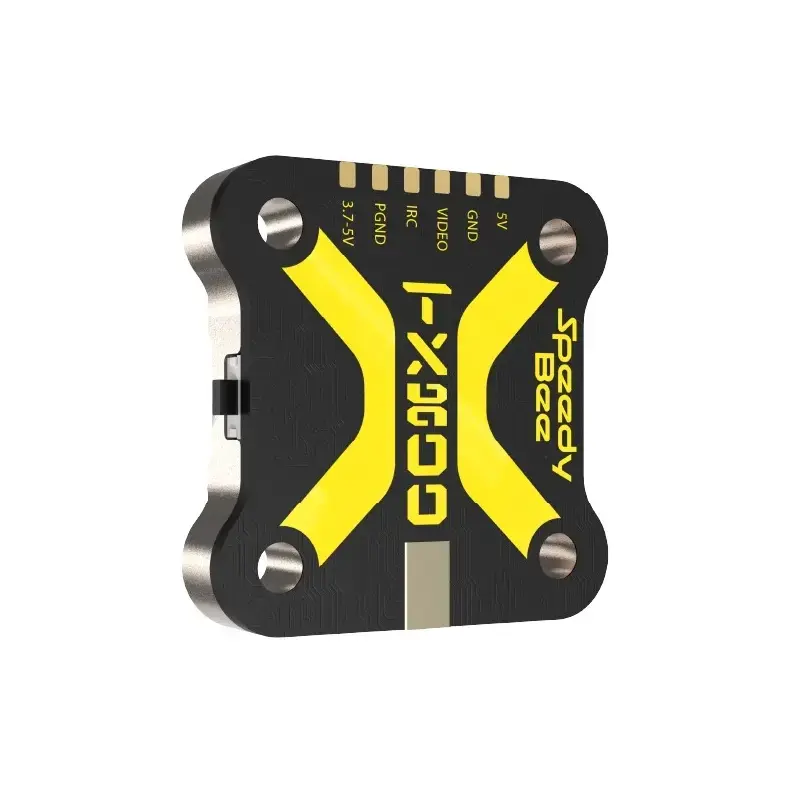
The TX800 exposes its 3.7-5V power input, video, ground and IRC control pads along the top edge, alongside a JST connector for a solderless hookup, a mode-switch button, and an MMCX antenna connector. Four M3 mounting holes sit on a 20x20mm pattern within a 28x28mm board.
Wiring to Your Flight Controller
Both connection methods are shown below on a real SpeedyBee flight controller: the JST cable route on top, the equivalent four-pad solder route underneath.
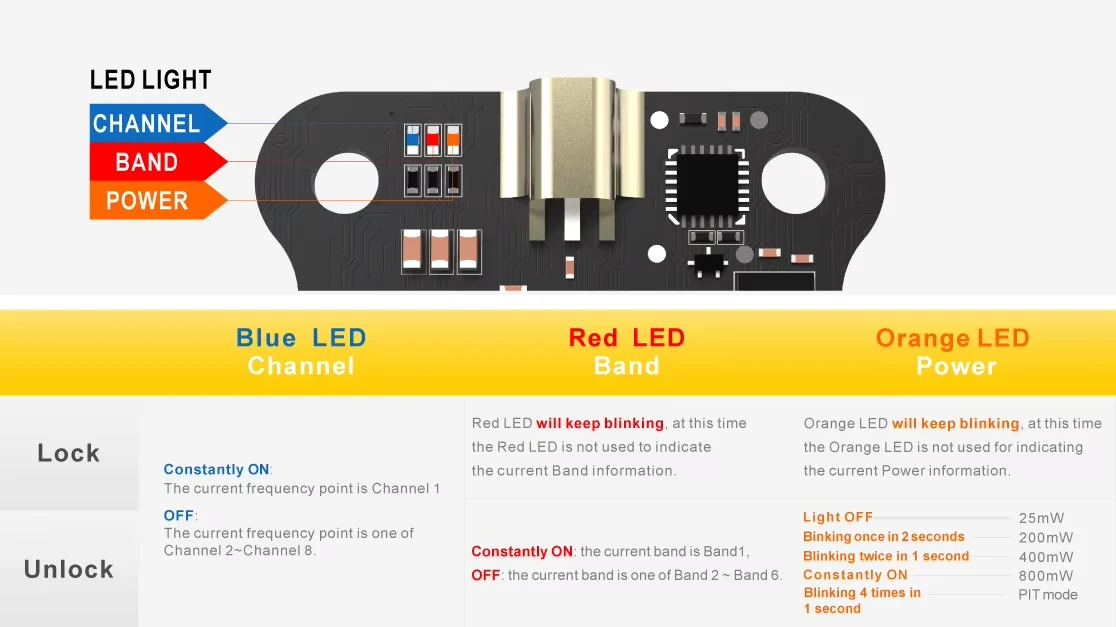
Onboard LEDs Show Channel, Band and Power at a Glance
Three LEDs report status without needing a display: the blue LED reports the active channel, the red LED the active band, and the orange LED the current power level and lock state, distinguished by their blink pattern.
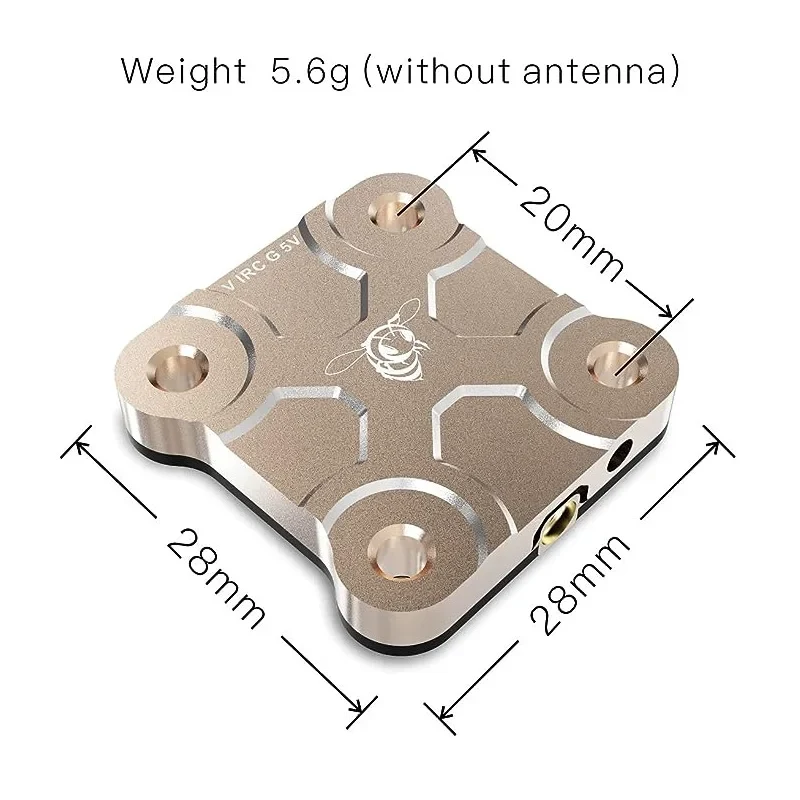
Compact 28x28mm Footprint, 5.6g Weight
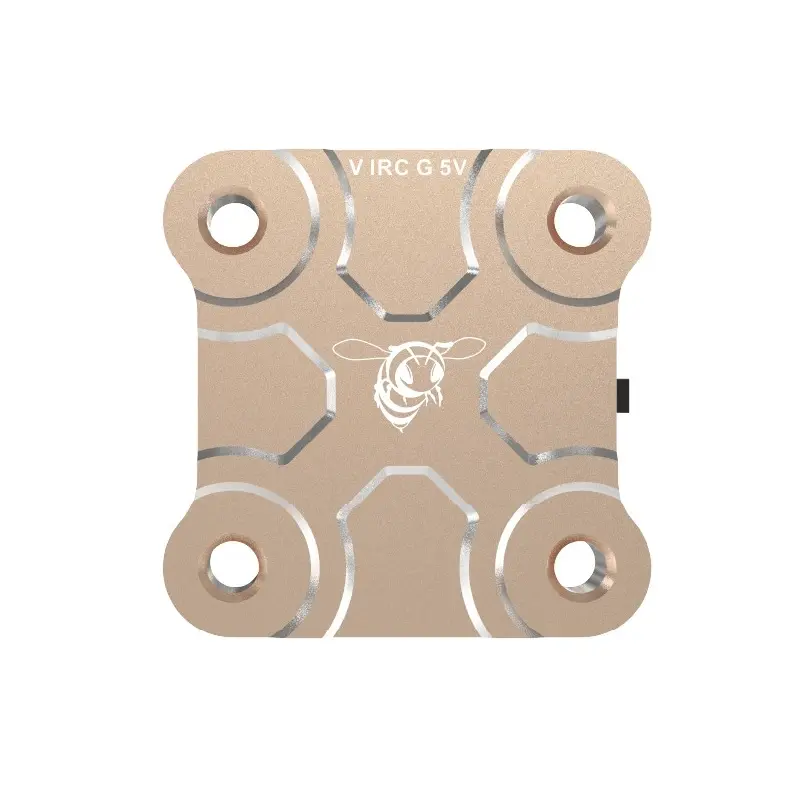
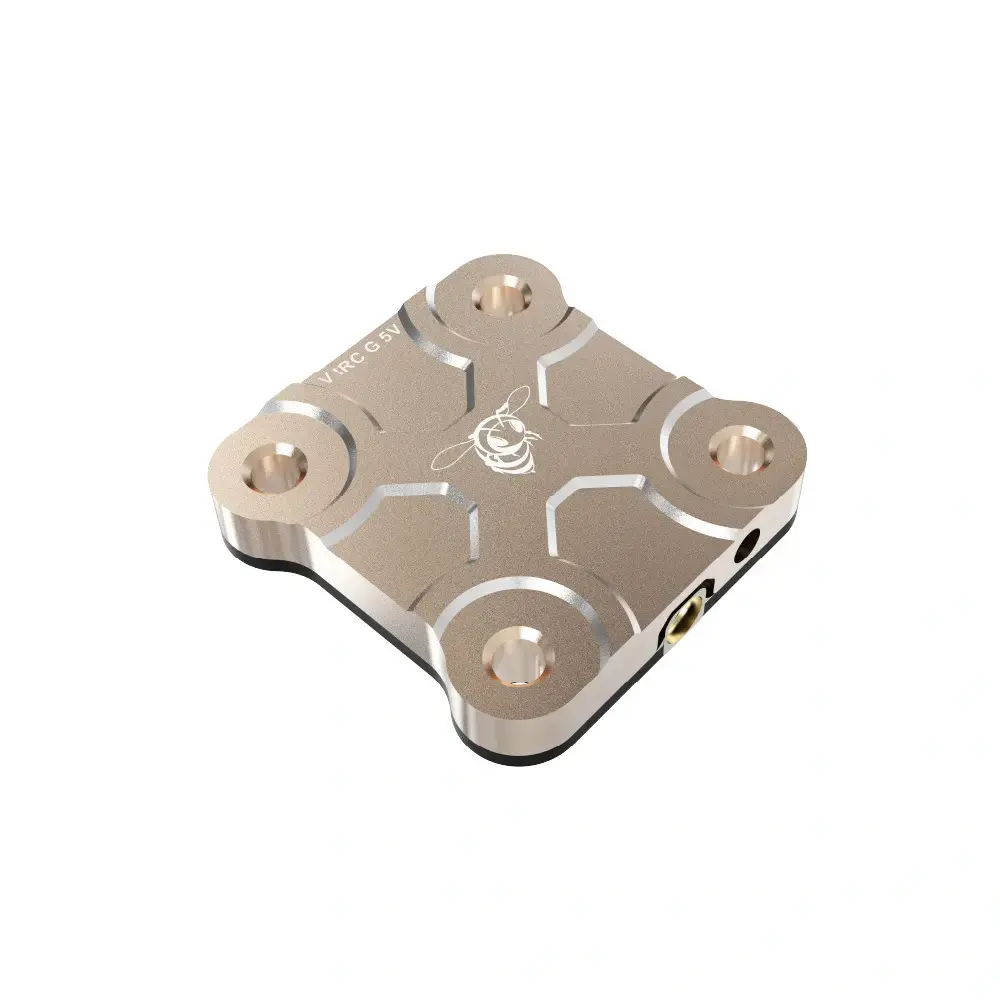
The TX800's cover plate mounts on a 20x20mm M3 hole pattern within a 28x28mm board, and the complete transmitter weighs just 5.6g without an antenna — light enough to add to almost any build without a real weight penalty.
SpeedyBee TX800 Video Transmitter Specification
SpeedyBee TX800
Model | TX800 |
Frequency Band | 5.8GHz, 48 channels |
Output Power | 25 / 200 / 400 / 800mW |
Control Protocol | IRC Tramp |
Pit Mode | Supported (Betaflight VTX Pit Mode) |
Antenna Connector | MMCX |
Connection | JST socket or solder pads |
Input Voltage | 3.7-5V |
Mounting Hole | 20x20mm / M3 |
Size | 28x28mm |
Weight | 5.6g (without antenna) |
SpeedyBee 5.8 GHz Antenna V2 RHCP
Version | MMCX-Straight | MMCX-90° |
Frequency Range | 5.5-6.0GHz | |
Gain | 2.8dBi | |
Polarization | RHCP (right-hand circular) | |
Axial Ratio | <1.0 | |
SWR | <1.1 (at 5.8GHz) | |
Weight | 4.27g | 4.3g |
Size | 20x87mm | 20x88mm |
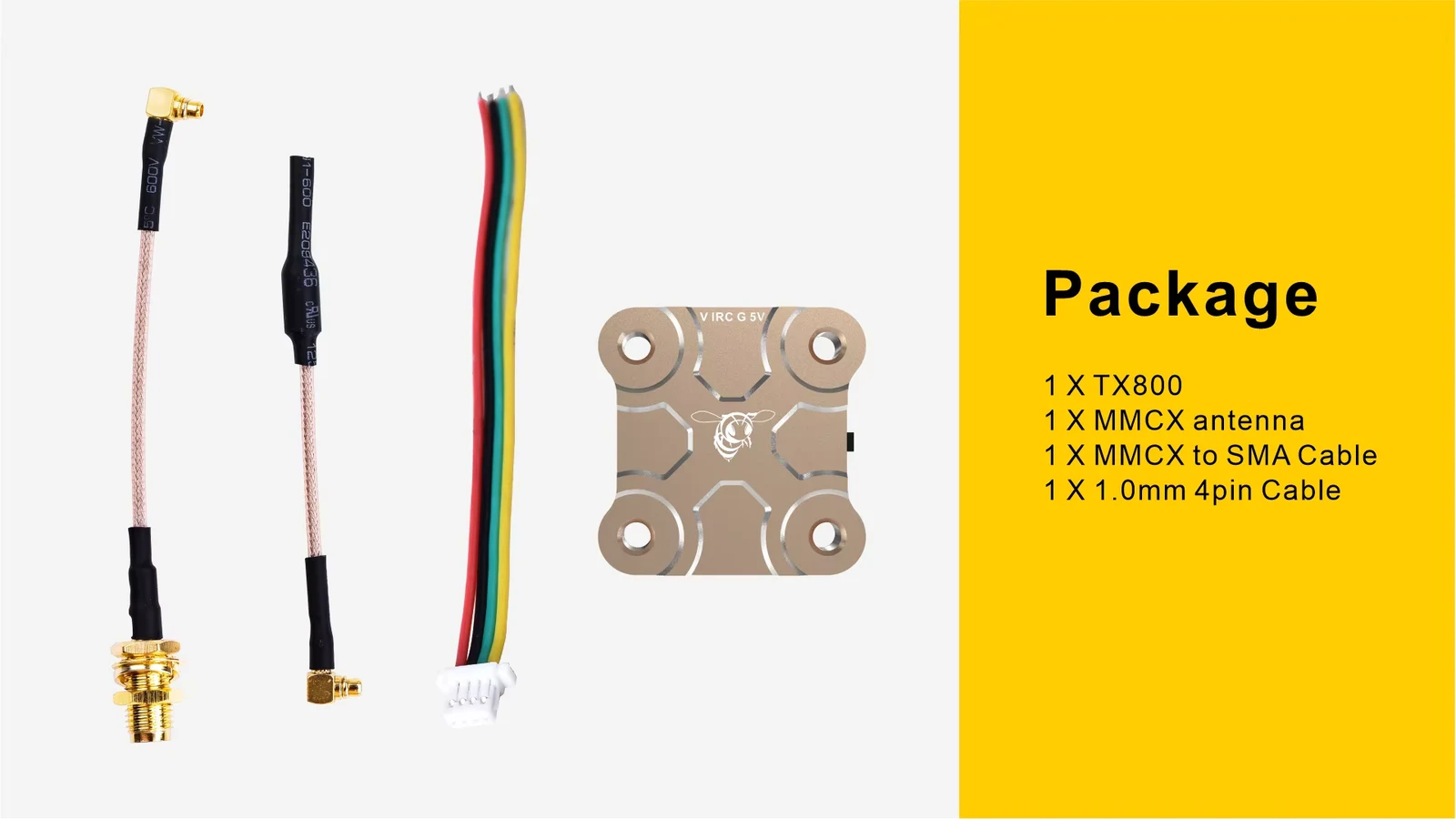
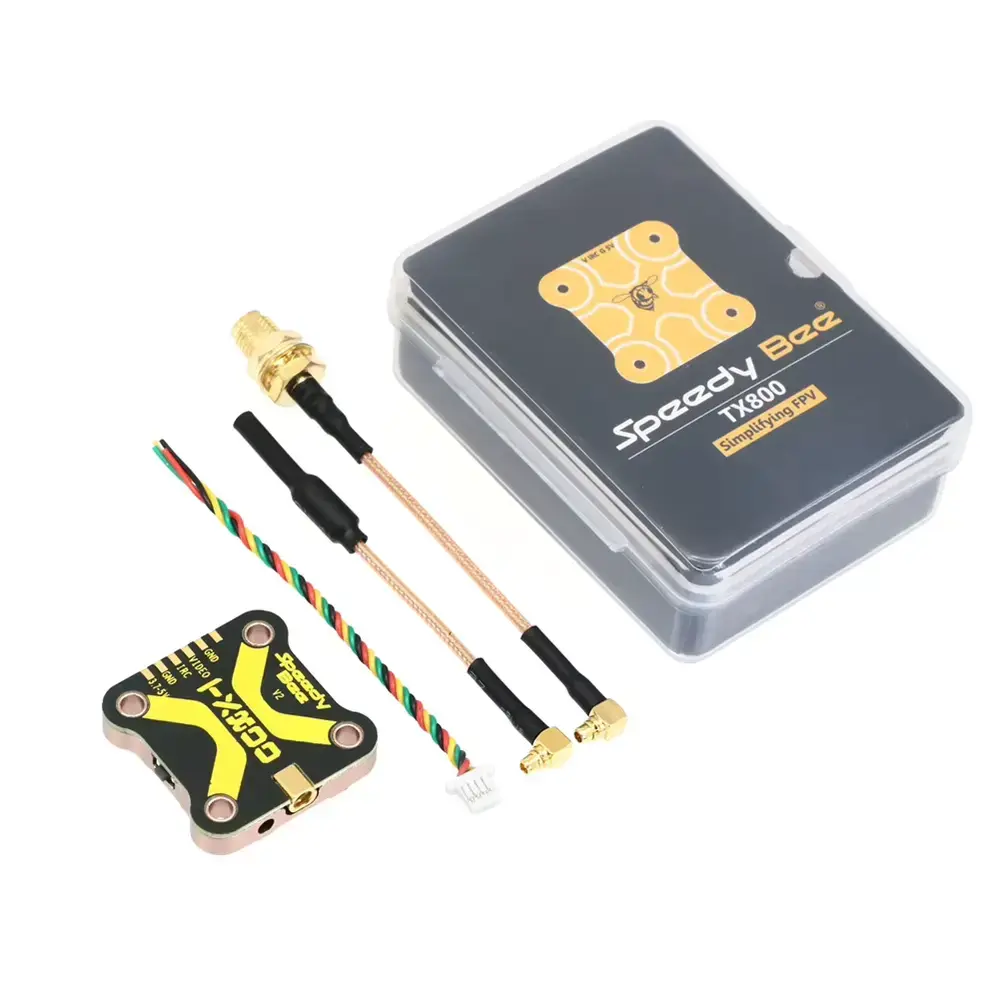
SpeedyBee TX800 Video Transmitter Package Includes
TX800 Variant
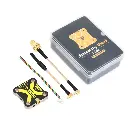
- 1x SpeedyBee TX800 Video Transmitter
- 1x MMCX Antenna
- 1x MMCX to SMA Cable
- 1x 1.0mm 4-Pin Cable
- Mounting Screws
TX800 + 5.8 GHz Antenna V2 RHCP MMCX-Straight Variant
Additional:
- 1x SpeedyBee 5.8 GHz Antenna V2 RHCP MMCX-Straight
TX800 + 5.8 GHz Antenna V2 RHCP MMCX-90° Variant
Additional:
- 1x SpeedyBee 5.8 GHz Antenna V2 RHCP MMCX-90°