
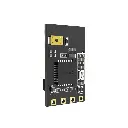

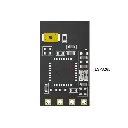
SpeedyBee Nano 2.4G ExpressLRS ELRS Receiver
SpeedyBee Nano 2.4G ExpressLRS ELRS Receiver – compact and reliable FPV receiver
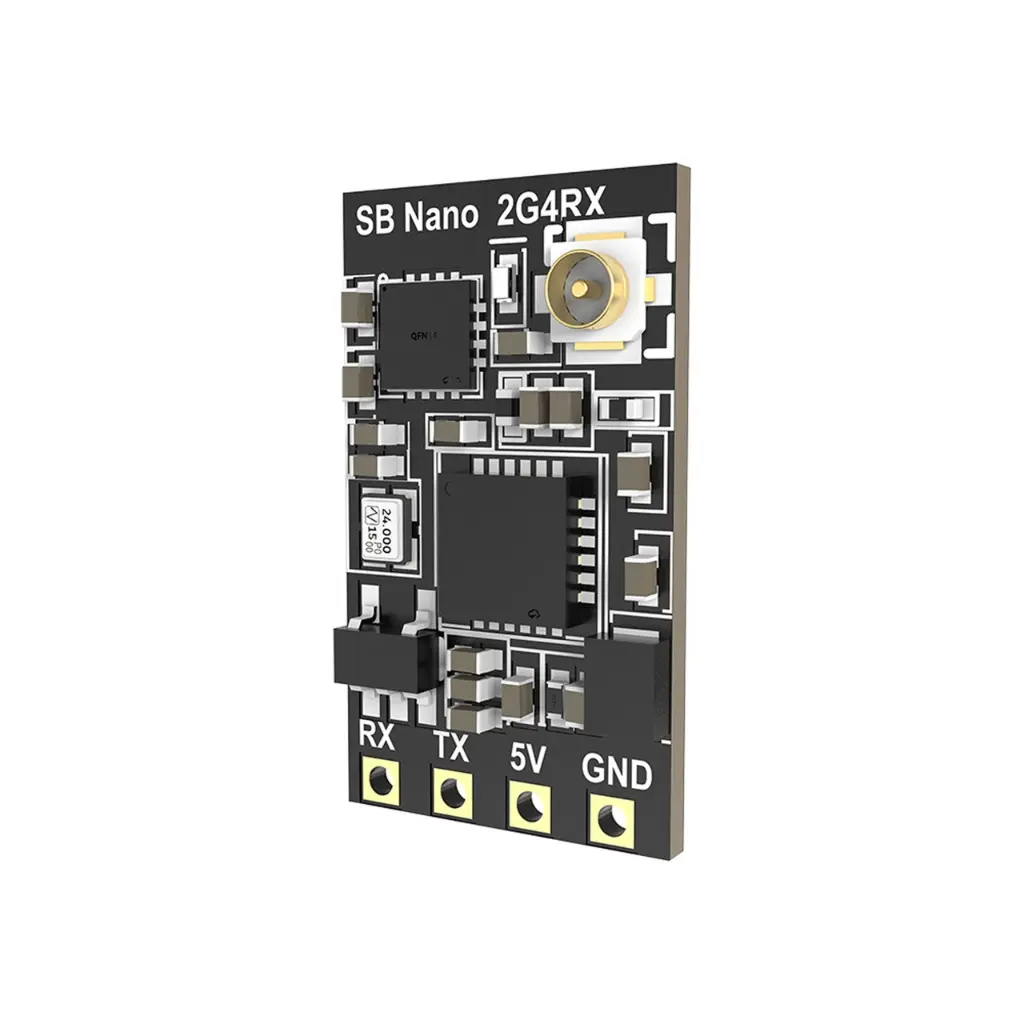
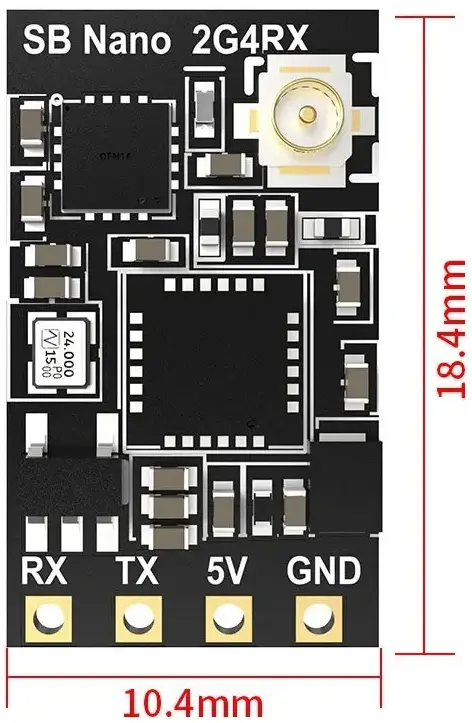
The SpeedyBee Nano 2.4G ExpressLRS ELRS Receiver is a compact and lightweight receiver designed for FPV drones using the ExpressLRS 2.4 GHz system. With its extremely small size and a weight of only about 0.7 g (without antenna), it is an excellent choice for small and medium FPV builds where saving weight and space is essential. Despite its compact design, the receiver provides stable radio connectivity and ultra-low latency control for smooth and precise drone operation.
Stable Transmission and Strong Signal Power
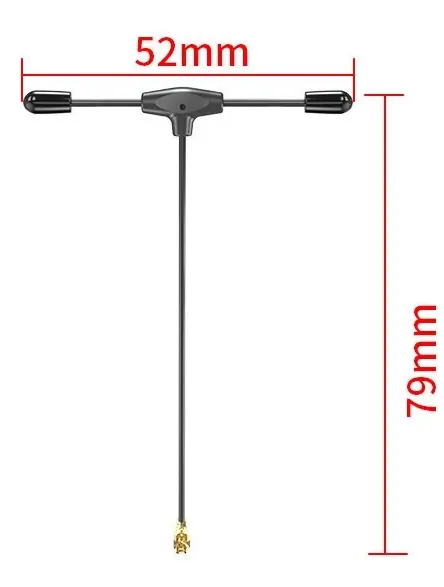
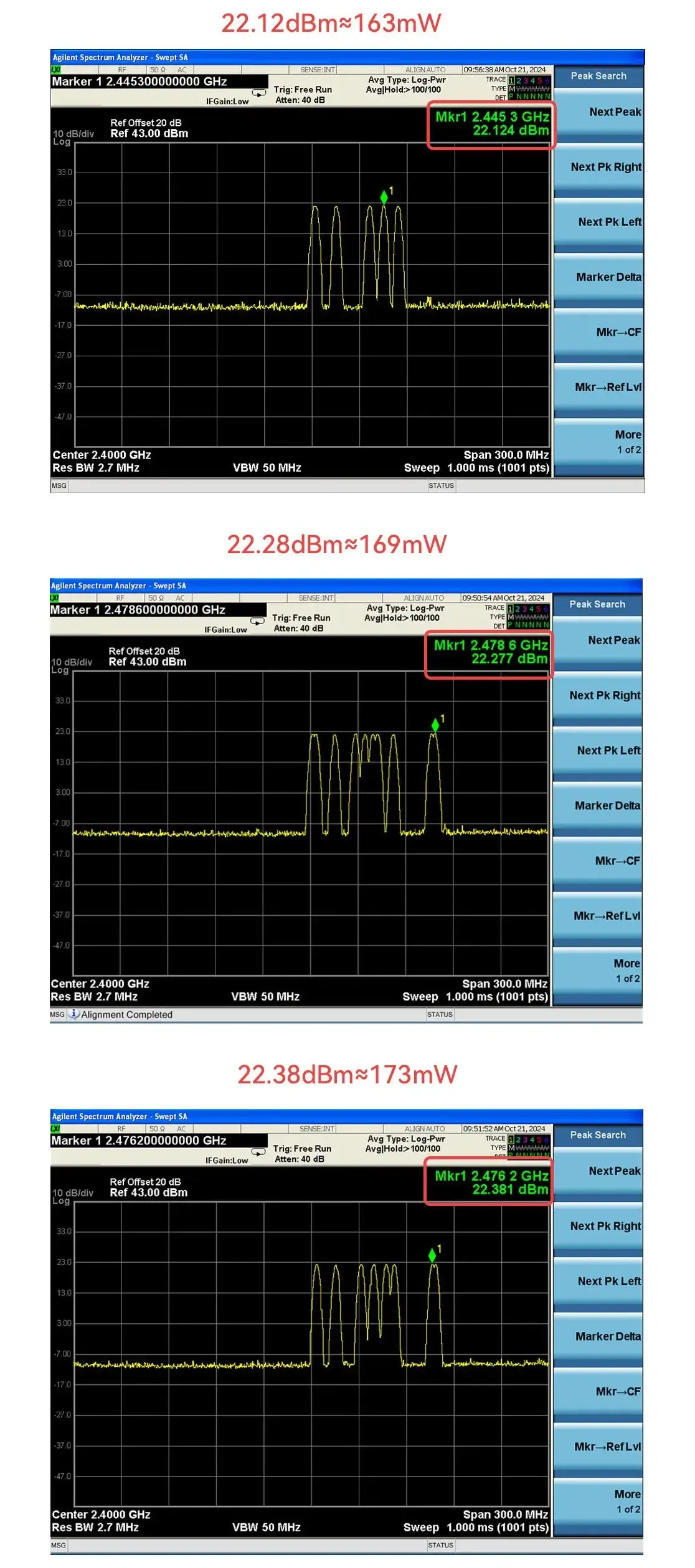
The SpeedyBee Nano 2.4G ExpressLRS ELRS Receiver features a T-antenna with an IPEX1 connector, allowing flexible installation in various FPV drone configurations. It also includes built-in Wi-Fi, enabling convenient firmware updates and configuration directly through a web interface, making setup quick and user-friendly. The receiver is powered by 5 V and offers up to 100 mW transmission power, ensuring stable communication during flight.
The measured data of 2.4G receiver power are as follows
Frequently Asked Questions -
SpeedyBee Nano 2.4G ExpressLRS ELRS Receiver
Yes. The SpeedyBee Nano 2.4G ExpressLRS ELRS Receiver works with all transmitters using the ExpressLRS 2.4 GHz protocol, regardless of manufacturer.
To bind the receiver, quickly power it on and off three times. After the third power cycle, the receiver will automatically enter binding mode, indicated by a rapidly blinking LED. Then start the bind process on your ExpressLRS transmitter. After a few seconds, the receiver will connect and the LED will turn solid, confirming a successful bind.
Yes. The receiver supports Wi-Fi firmware updates, allowing you to update it easily without disconnecting it from your drone.
Yes. Its compact design makes it ideal for small and medium FPV builds where saving space and weight is important.
Yes. ExpressLRS provides very low latency control, making it suitable for both freestyle and FPV racing drones.
The antenna should be mounted away from carbon fiber parts and power wires to ensure the best signal quality and range.
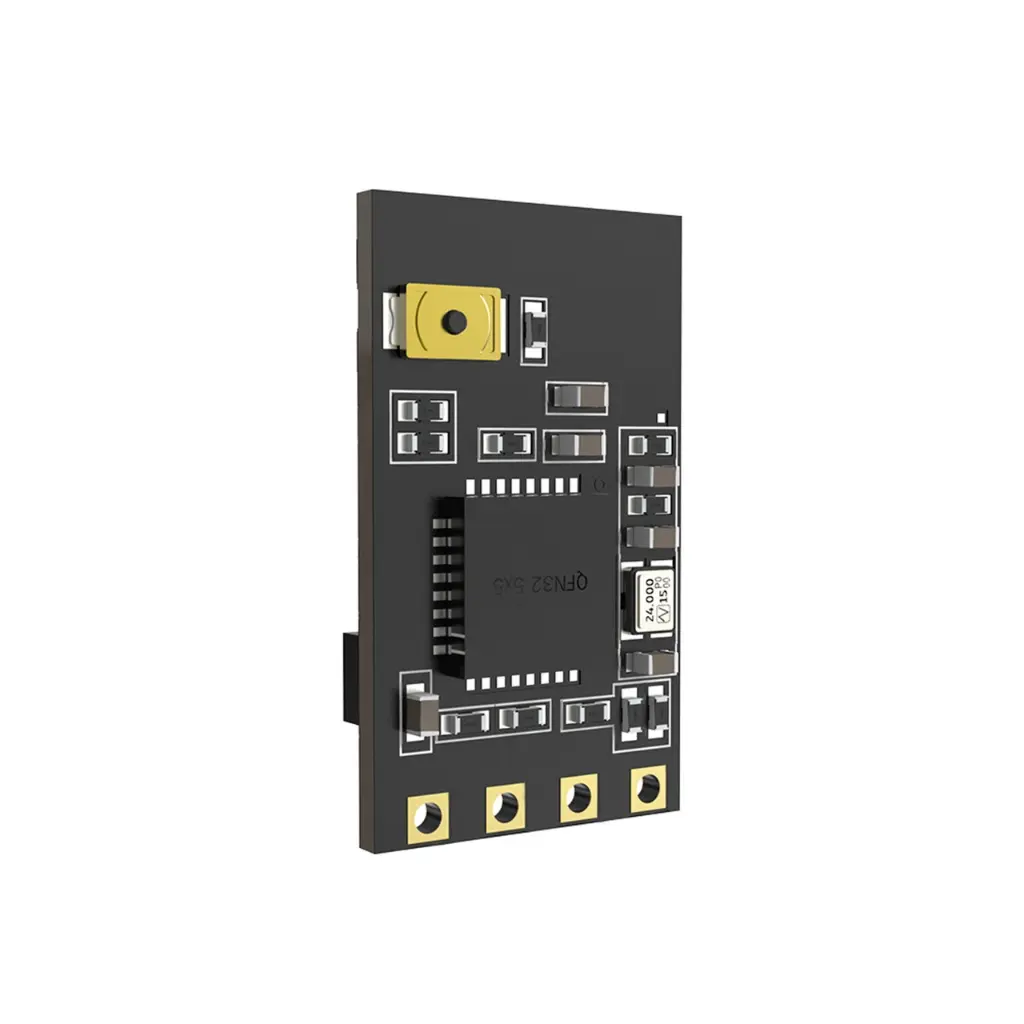
To enable Wi-Fi, wait about 60 seconds after powering on the receiver, or press and hold the button for 3 seconds. The receiver will then activate Wi-Fi mode, allowing you to access the configuration interface and update the firmware through a web browser.
SpeedyBee Nano 2.4G ExpressLRS ELRS Receiver Specifications
Frequency |
2.4Ghz |
Antenna | T-antenna (52*79mm, 0.9g) |
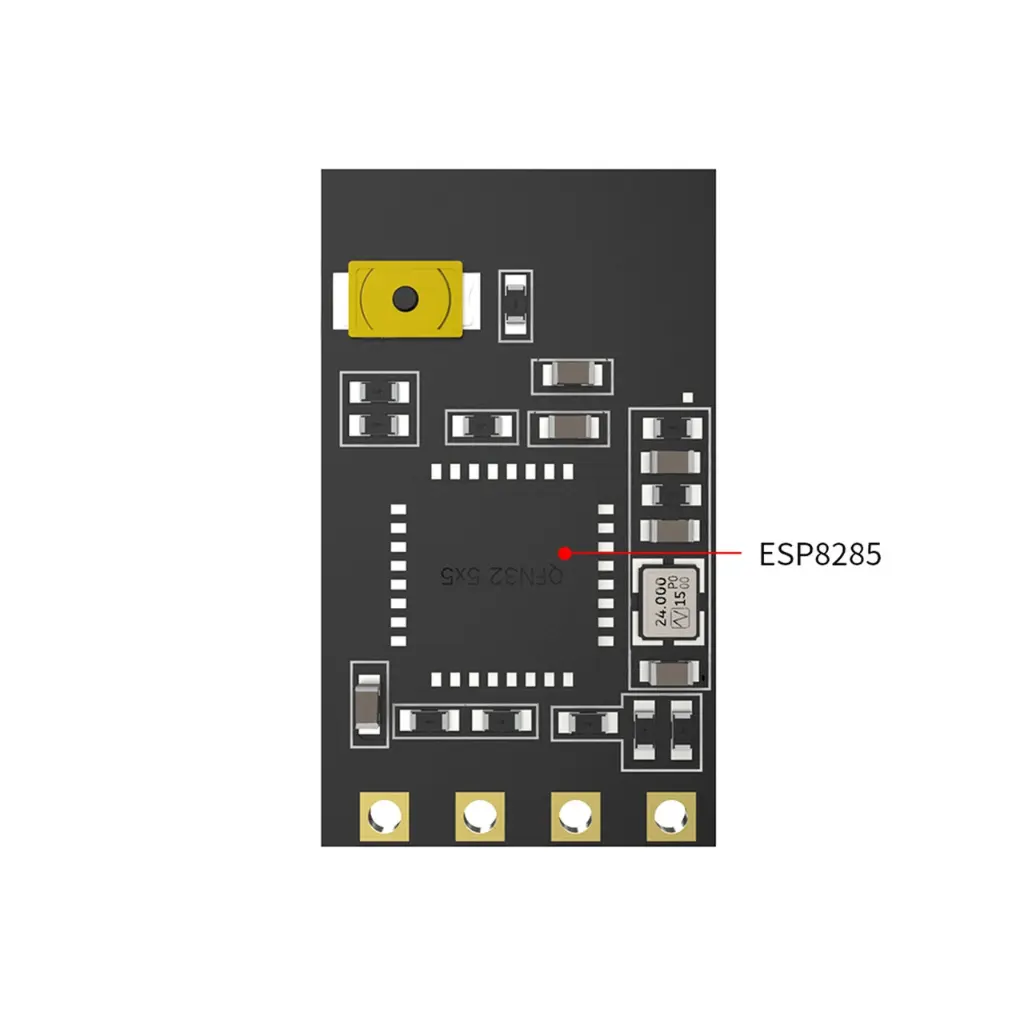
Chip | SX1281+ESP8285 |
Power | 100mW |
Input voltage | 5V |
Antenna connector | IPEX1 |
Weight | 0.7 gram(without antenna) |
Dimension | 10.4mm*18.4mm |
Default Firmware | SpeedyBee Nano 2.4GHz RX 3.5.6 |
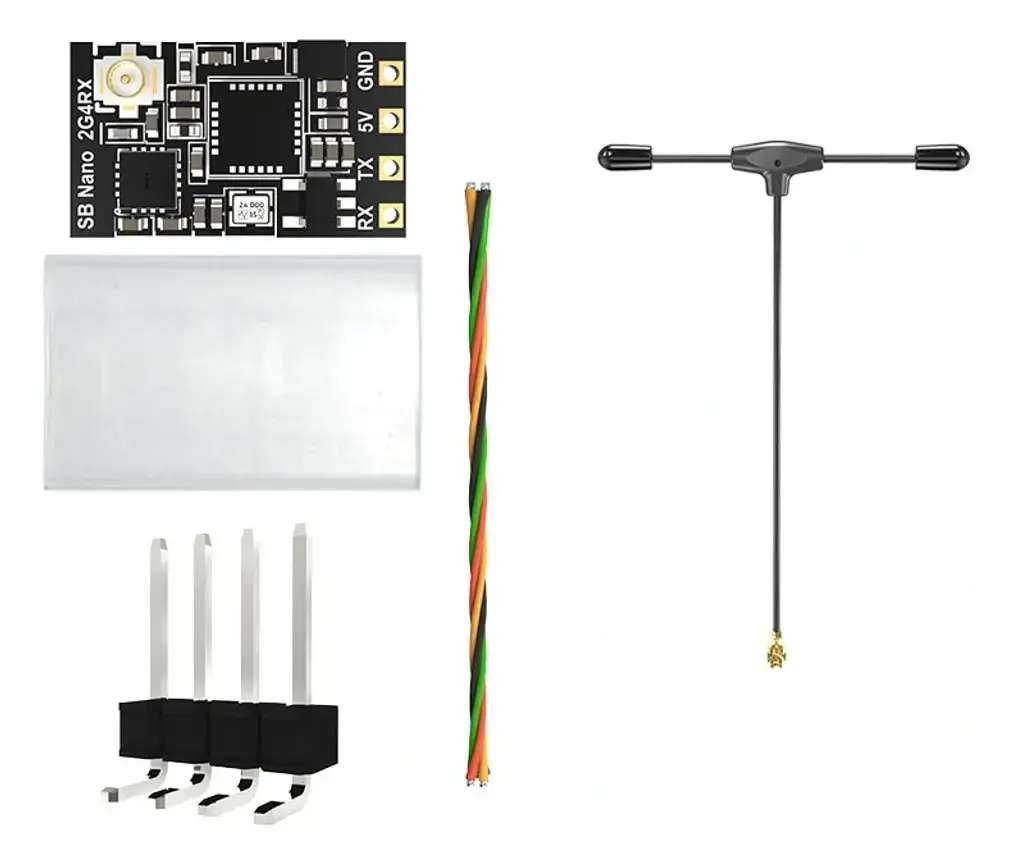
SpeedyBee Nano 2.4G ExpressLRS ELRS Receiver Package Includes
- 1x SpeedyBee Nano 2.4G ExpressLRS ELRS Receiver
- 1x 2.4 GHz T antenna UFL (52×79 mm, new version)
- 1x 4-wire connection cable
- 1x Pin header set
- 1x Shrink tube