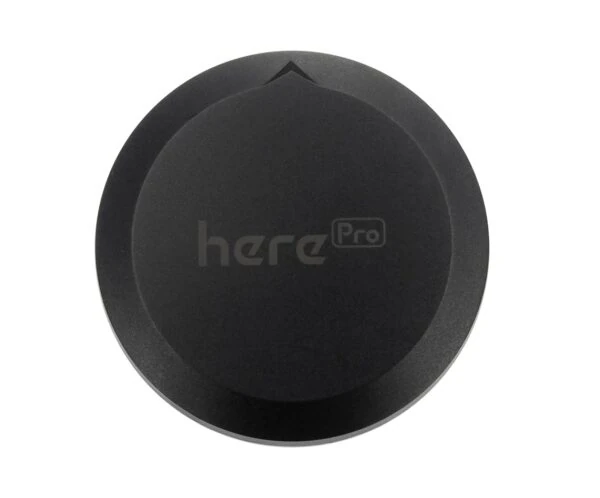




HerePro
HerePro gives your drone centimeter-level positioning that holds up on demanding survey and mapping missions. One module serves as the RTK base on the ground or as the rover on board, and two of them can even take over the heading from a compass that motors and metal like to disturb. Connect it to your Cube autopilot over DroneCAN and spend less time fighting position errors and more time getting the job done.
HerePro — Centimeter-Level RTK Precision on Every Flight
HerePro from CubePilot is a multi-band RTK GNSS module built on the 184-channel u-blox F9P. It receives BeiDou, Galileo, GLONASS, GPS and QZSS, up to 4 systems at once, on the L1, L2 and E5 bands through a multi-band Taoglas antenna made for this module. In RTK mode it reaches 0.01m + 1ppm CEP accuracy, gets an RTK fix in under 10 seconds and updates navigation at up to 20Hz. The same module works as a rover on the vehicle or as a fixed or moving RTK base, switched by parameters, and two units can give the autopilot its heading without a compass. Inside are an STM32H753 processor running AP_Periph firmware and a 9-axis IMU. It talks to Cube autopilots over DroneCAN (CAN FD) and works with ArduPilot and PX4. Power comes through two redundant XT30 inputs at 6-40V (maximum 60V), or through USB-C at 5V/3A when it works as a base. A ring of 50 ProfiLED LEDs shows its status. It measures 15 x 78mm and weighs 101g without cables.
HerePro Key Features
RTK Fix in Seconds
Multi-frequency signals and advanced algorithms give an RTK fix in under 10 seconds and 0.01m + 1ppm CEP accuracy, with navigation updates at up to 20Hz.
Base and Rover in One
The base and the rover have the same hardware and software. You switch the role with parameters, and the base works in fixed or moving mode.
Heading Without a Compass
Two HerePro modules let ArduPilot take the heading from GNSS, free of magnetic interference from the ground, motors and ESCs. It works even without an RTK fix.
Protected Signal
Active CW jamming detection and removal, an onboard band-pass filter and advanced anti-spoofing algorithms keep the position reliable.
u-blox F9P and Taoglas Antenna
A professional 184-channel multi-band receiver works with a tailor-made Taoglas antenna for L1, L2 and E5, with high gain, high sensitivity and high stability.
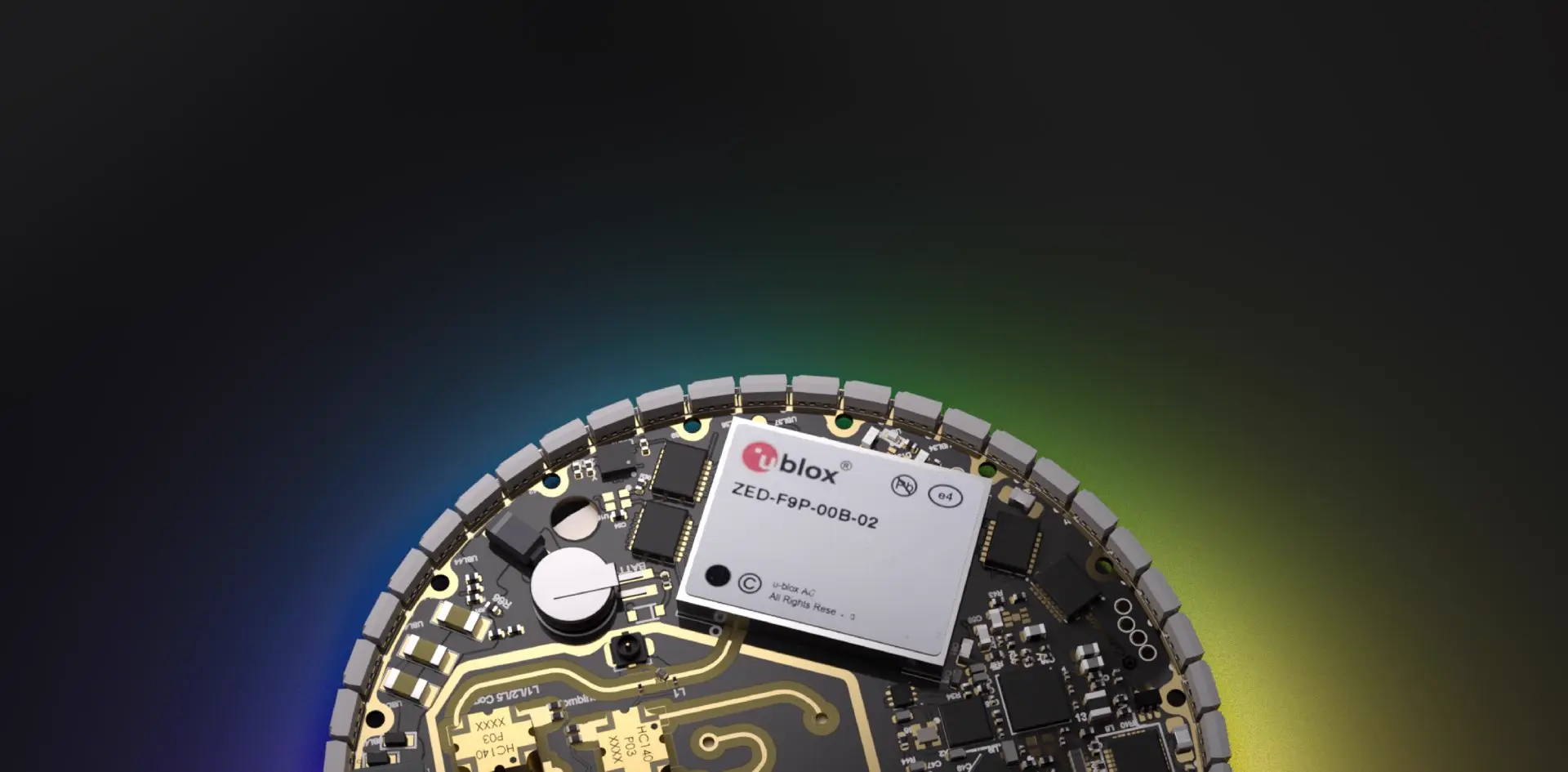
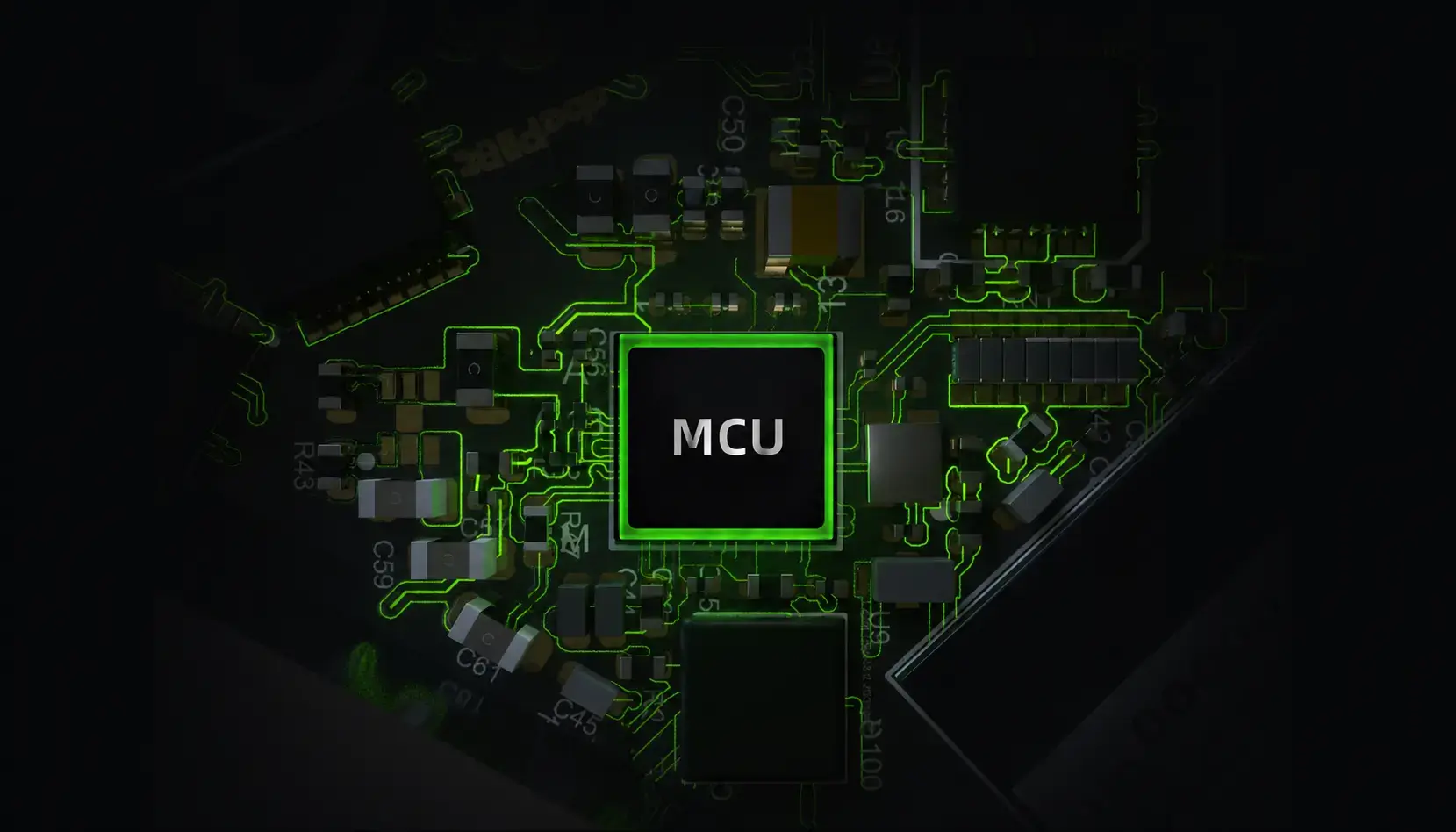
STM32H753 with AP_Periph
The built-in STM32H753 processes and optimizes data in real time and runs the industry-standard AP_Periph firmware. A 9-axis IMU is on board for tightly coupled GNSS and INS fusion through future firmware updates.
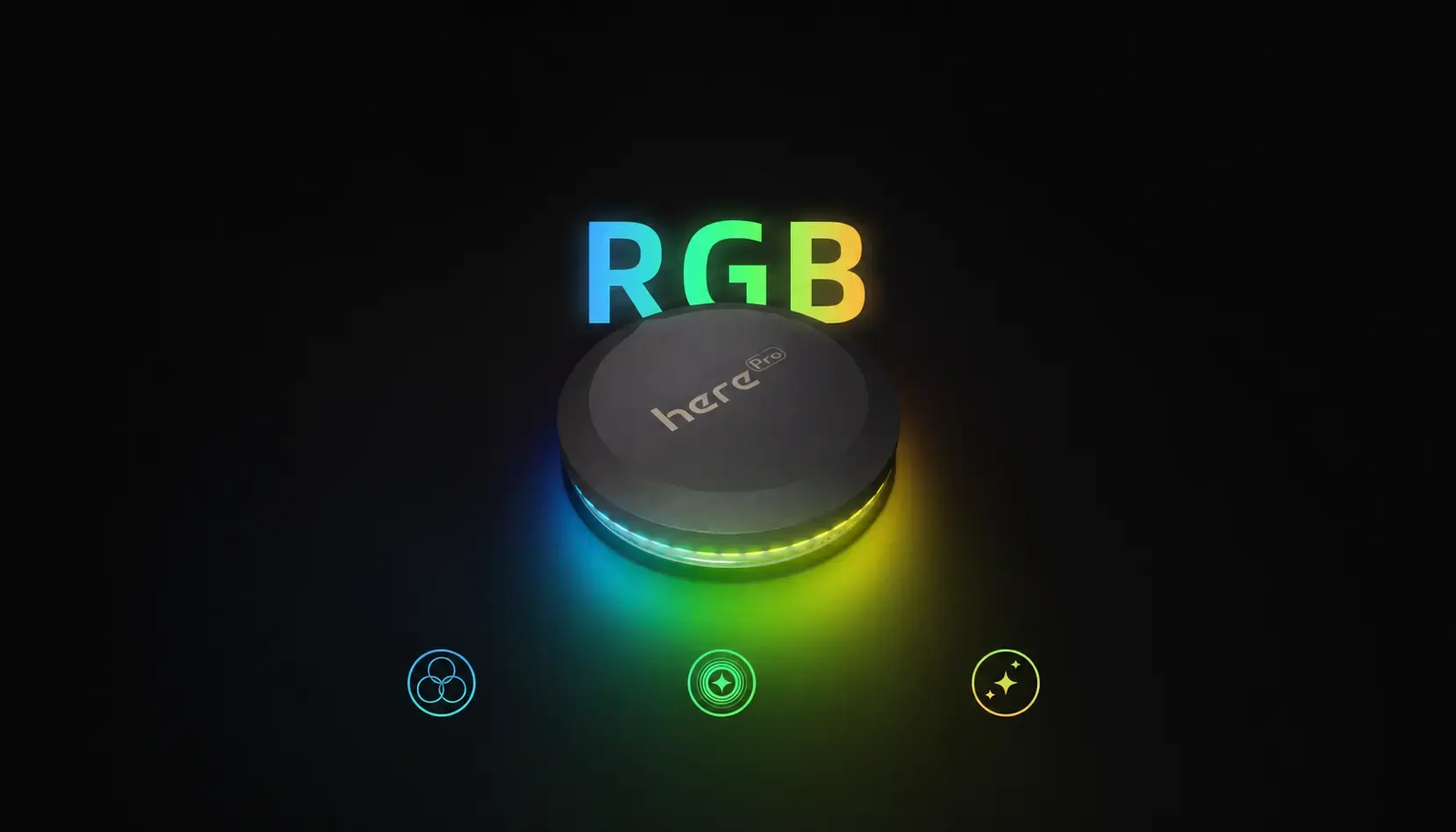
50 ProfiLED LEDs
The ring of 50 programmable LEDs has several built-in display modes for notifications or navigation signals. You choose them with parameters or an onboard Lua script.
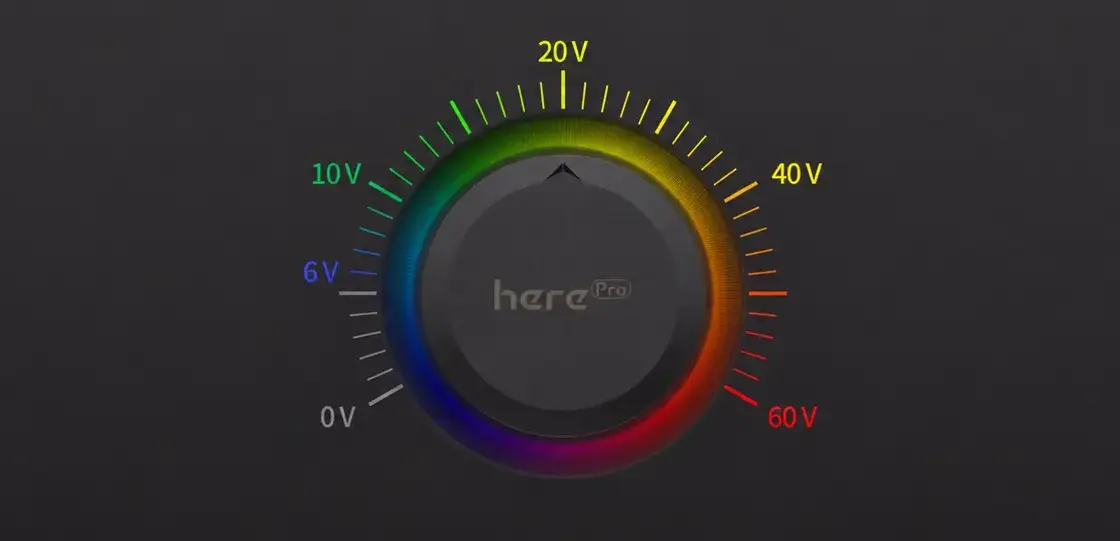
Two Power Inputs
Two redundant XT30 inputs accept 6-40V (maximum 60V) for a safer power supply. When it works as a base, HerePro can also run from USB-C at 5V/3A.
HerePro as an RTK Base and Rover
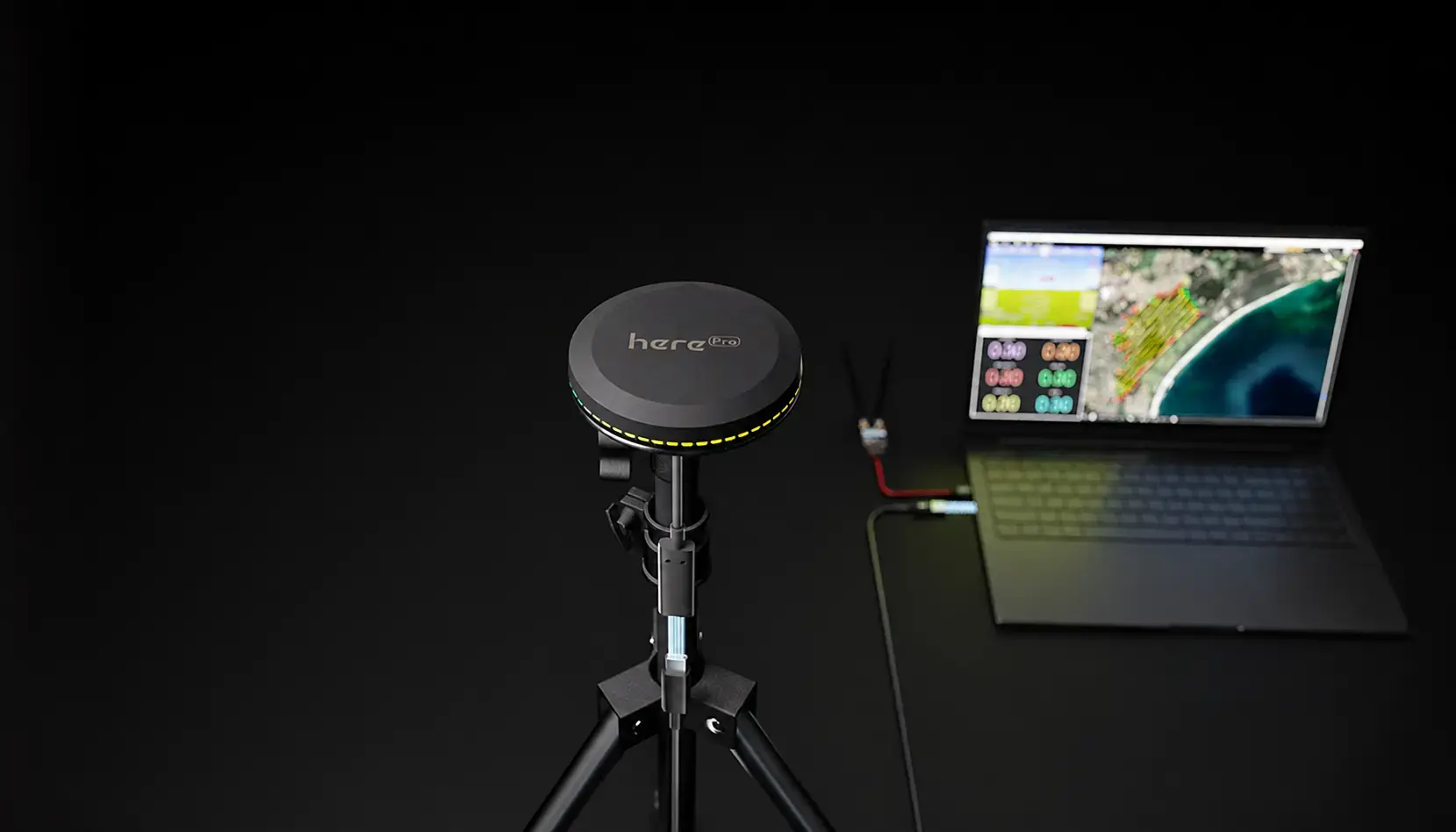
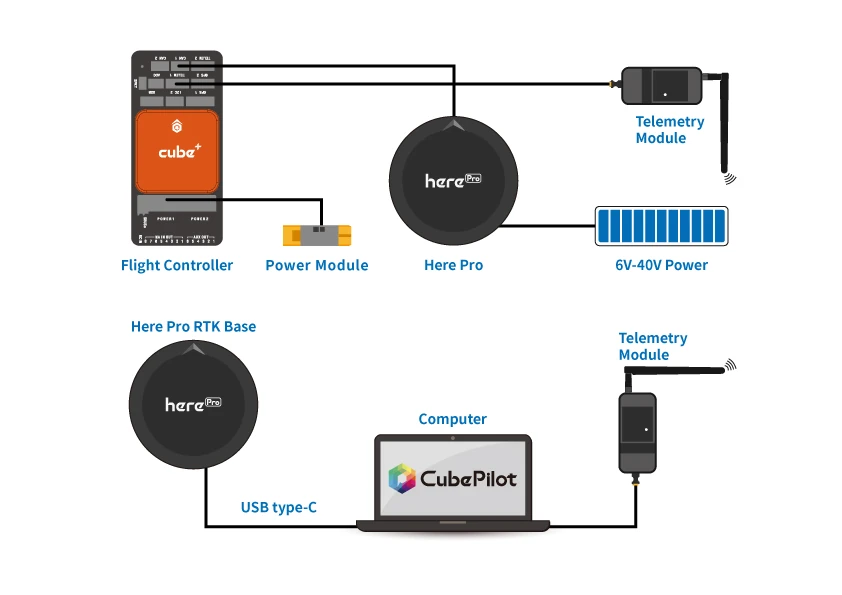
For RTK you need two HerePro modules, one as the base and one as the rover. Their hardware and software are identical, only the parameters differ. The base stands on a tripod and connects to the computer by USB-C, which also powers it, or runs from a 6-40V supply.
In Mission Planner (Initial Setup > Optional Hardware > RTK/GPS Inject) the base surveys its own position, and the corrections travel over the telemetry link to the rover on the vehicle. When the status shows RTK Float or RTK Fixed, the vehicle is positioning in RTK mode. One base can serve several vehicles, through one broadcasting telemetry radio or several 1-to-1 radios on a USB hub.
What You Need
- Two HerePro modules, or one HerePro with another u-blox M8P/F9P base or a local RTK correction service
- A Cube autopilot running ArduPilot or PX4
- A pair of telemetry radios
- A computer with Mission Planner
- A tripod for the base
- A 6-40V supply or a USB-C cable for the base
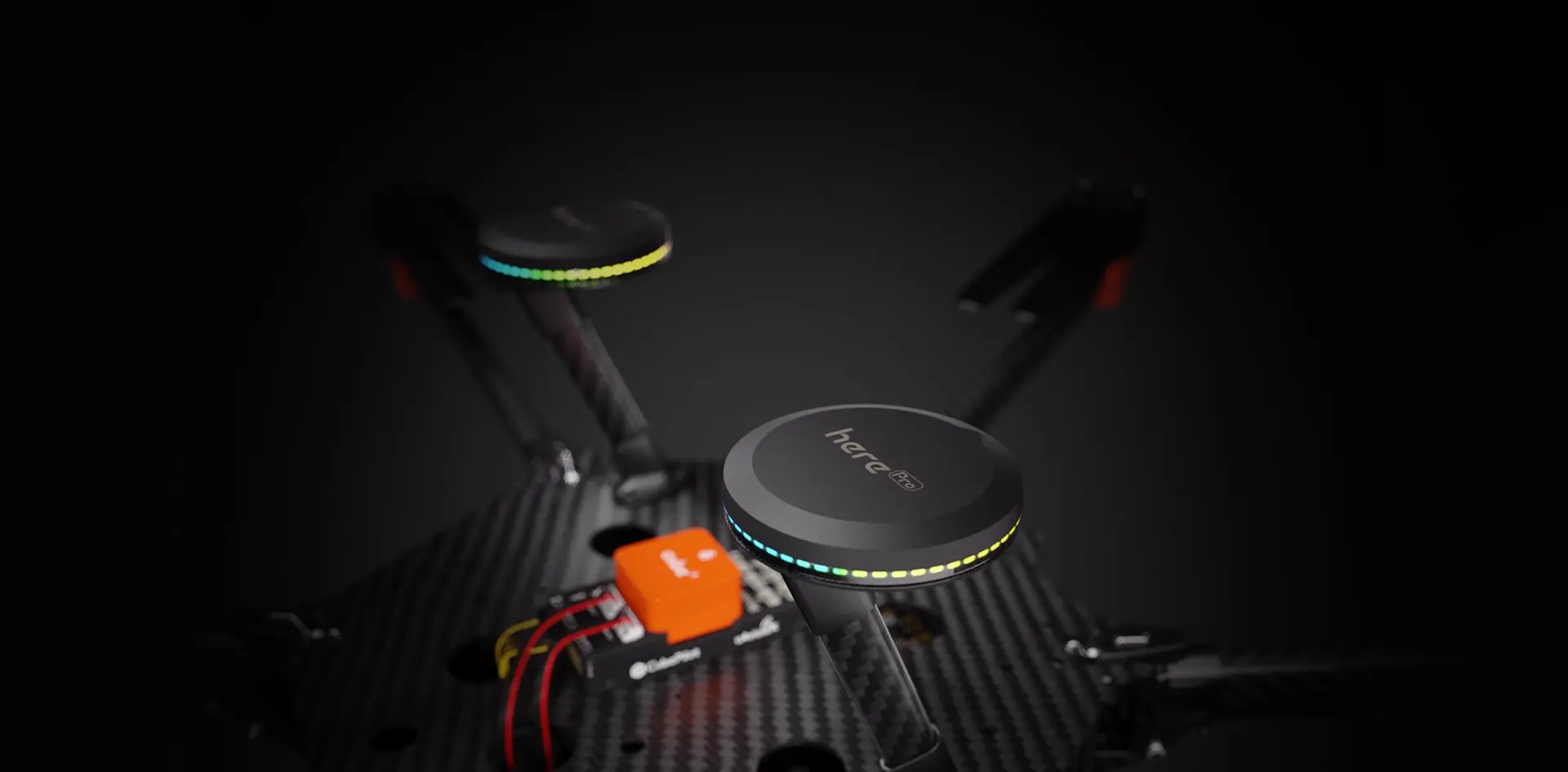
Heading Without a Compass Using Two HerePro Modules
Two HerePro modules on one vehicle can give ArduPilot its heading (GPS for Yaw). The vehicle no longer depends on a compass that the ground, motors or ESCs can disturb, and this works even without an RTK fix. Both modules must be on the same CAN bus of the autopilot, which may need a CAN splitter, and no serial port may be set to the GPS protocol.
| GPS_TYPE | 22 | first module, moving baseline base |
| GPS_TYPE2 | 23 | second module, moving baseline rover |
| GPS_AUTO_CONFIG | 2 | automatic DroneCAN configuration |
| GPS_AUTO_SWITCH | 1 | automatic switching between the modules |
| AHRS_EKF_TYPE | 3 | EKF3 |
| EK3_SRC1_YAW | 2 / 3 | GPS, or GPS with compass fallback |
Also set GPS_POS1_X/Y/Z and GPS_POS2_X/Y/Z to the position of each module on the vehicle.
Connecting HerePro to a Cube Autopilot
Connect the 4-pin CAN cable from the left-hand CAN port of the HerePro to CAN1 or CAN2 on the autopilot and supply 6-40V to the HerePro. It can also be powered from a computer over USB-C.
ArduPilot
In Mission Planner open Config > Full Parameter List, set the parameters, save with Write Params and reboot the autopilot.
| CAN_D1_PROTOCOL | 1 | DroneCAN on driver 1 |
| CAN_D2_PROTOCOL | 1 | DroneCAN on driver 2 |
| CAN_P1_DRIVER | 1 | CAN port 1 on |
| CAN_P2_DRIVER | 1 | CAN port 2 on |
| GPS_TYPE | 9 | DroneCAN GPS |
| NTF_LED_TYPES | 231 | notification LEDs, including DroneCAN |
| BRD_SAFETYENABLE | 0 | HerePro has no safety switch |
In the compass setup, move the DroneCAN compass to the top to make it compass 1, then calibrate.
PX4
Install the latest stable PX4 release, connect to the autopilot through the ground station, set the parameter and reboot the autopilot.
| UAVCAN_ENABLE | Sensors Automatic Config | DroneCAN sensors detected automatically |
Firmware Updates
HerePro firmware is updated over DroneCAN in Mission Planner. Connect the autopilot, open the UAVCAN screen, use SLCan Mode CAN1 and check for updates in Menu > Update.
CubePilot Documentation
The documentation for this product is on the manufacturer's website.
HerePro Specification
Receiver | 184-channel u-blox F9P |
GNSS Systems | BeiDou, Galileo, GLONASS, GPS, QZSS |
Concurrent GNSS Systems | Up to 4 |
Satellite Bands | BDS B1I B2I |
Antenna | Multi-band Taoglas antenna (L1, L2, E5) |
Navigation Update Rate (RTK) | Up to 20Hz |
Positioning Accuracy (RTK) | 0.01m + 1ppm CEP |
Positioning Accuracy (PVT) | 1.5m CEP |
Heading Accuracy | 0.4° |
RTK Convergence Time | < 10s |
Acquisition Time | Cold start 24s, aided start 2s, reacquisition 2s |
Sensitivity | Tracking and navigation -167dBm, cold start -148dBm, hot start -157dBm, reacquisition -160dBm |
Maximum Altitude | 50,000m |
Maximum Speed | 500m/s |
Timepulse | Configurable, 0.25Hz to 10MHz |
Protocols | NMEA, UBX binary, RTCM 3.3 |
Anti-Jamming | Active CW detection and removal, onboard band-pass filter |
Anti-Spoofing | Advanced anti-spoofing algorithms |
Base Modes | Fixed and moving base |
Processor | STM32H753 |
Firmware | AP_Periph (DroneCAN) |
IMU | 9-axis |
Autopilot Software | ArduPilot, PX4 |
Memory | eMMC 2GB, Flash 2MB, RAM 1MB |
Connectors | 2x power (XT30), 2x CAN (CAN FD), 1x USB / GPIO, 1x Debug |
Input Voltage | 6-40V (maximum 60V), two redundant inputs |
USB Power | USB-C, 5V/3A (base station) |
LEDs | Ring of 50 ProfiLED LEDs, modes set by parameters or Lua scripts |
Working Temperature | -40 to +85°C |
Dimensions | 15 x 78mm |
Weight | 101g (without cables) |
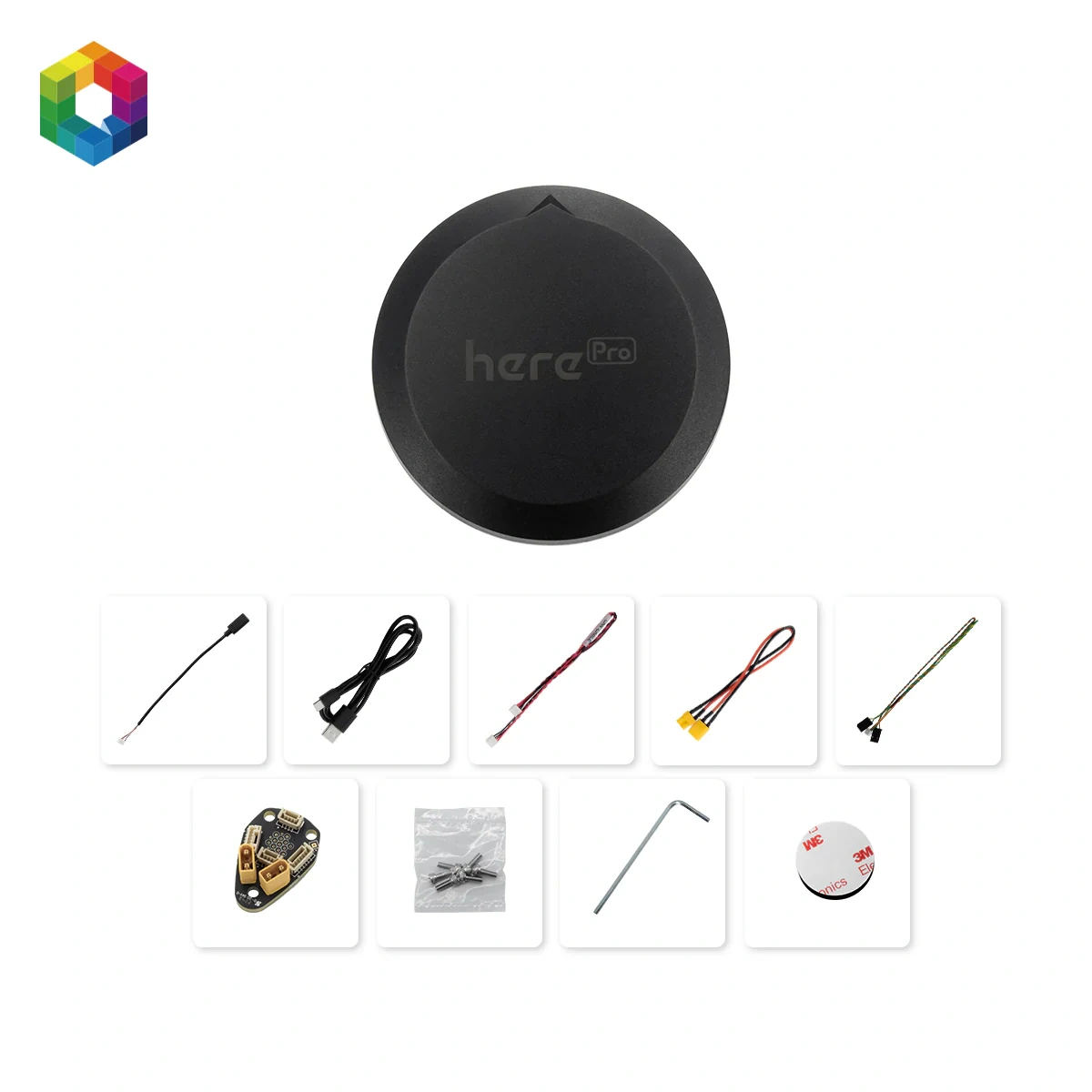
HerePro Package Includes
- 1x HerePro
- 1x Connector board (pogo pin)
- 1x Cable set
- 1x Set of screws
- 1x Mounting kit
- 1x Mounting tool
- 1x 3M adhesive mounting pad
HerePro ships without the connector board installed. Before first use, align the mounting holes and screw the board to the module with 3 M3x8 screws.