Cube ID
The Cube ID gives your drone a clear identity in the air without adding weight or hassle. The tiny module broadcasts who is flying and where, so anyone nearby can check the drone on a phone and you can see it on the DroneShare map with no subscription. It plugs straight into The Cube and is set up in Mission Planner, which makes adding Remote ID to a professional build quick and simple.
Cube ID — Drone Identification on Every Flight
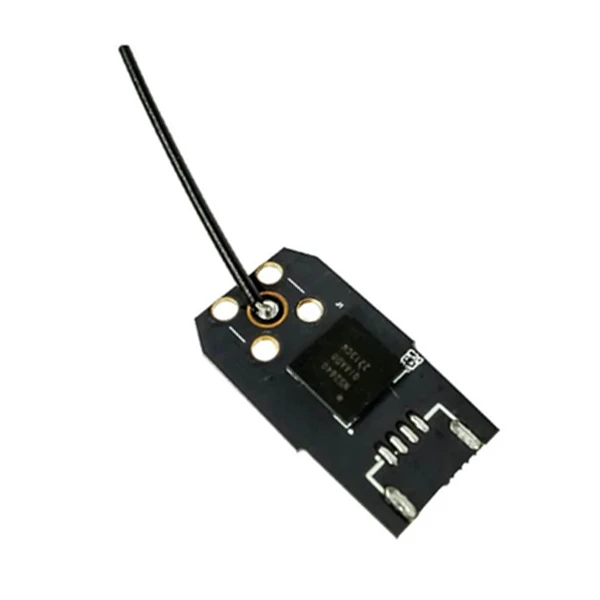
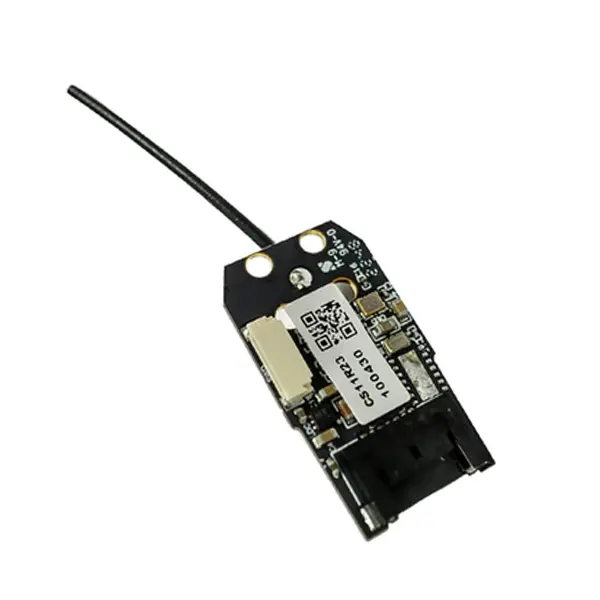
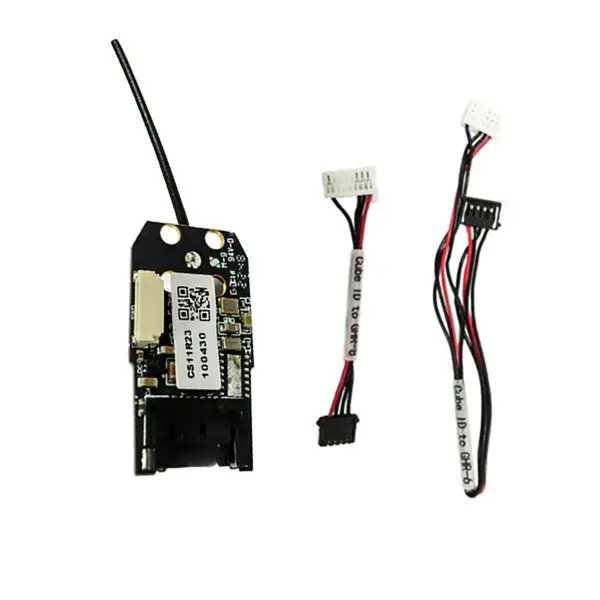
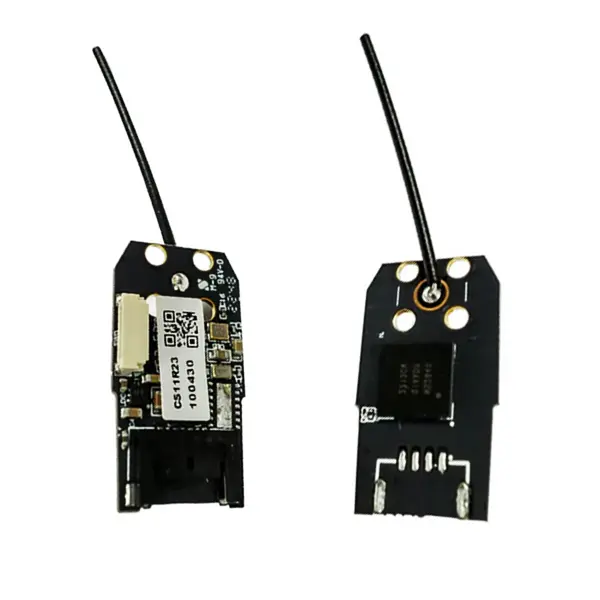
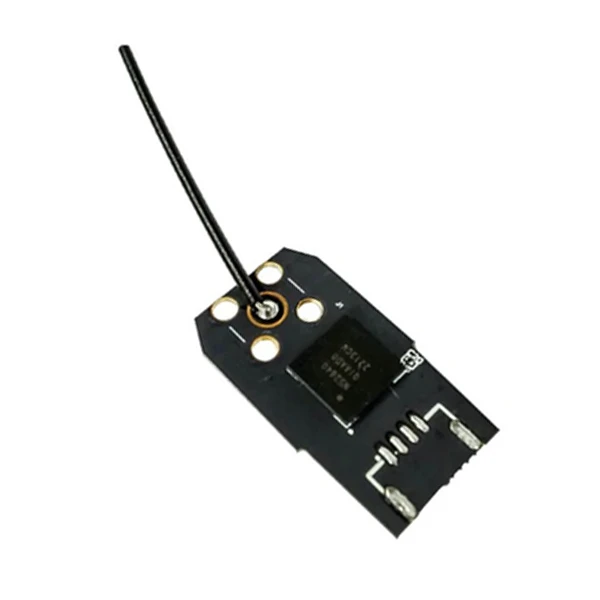
The Cube ID is a small Remote ID module from CubePilot, here in the Serial version. In flight it broadcasts identification and flight data of the drone over Bluetooth 5.2, using a Nordic NRF52840 chip in the 2402-2480MHz band. It connects to a serial (TELEM) port of The Cube with one of the included cables, 6-pin or 8-pin, and is powered with 5V. It works with ArduPilot firmware that has OpenDroneID enabled. The broadcast data, such as the UAS ID, operator ID and position, can be read in the DroneScanner and OpenDroneID phone apps and on CubePilot's DroneShare website, with no extra subscription fees. The module is FCC and CE certified, works from -40 to 85°C, measures 25x13.75x3.5mm and weighs 10g with the cable and antenna. A version with CAN support is available as a separate product, the Cube ID - CAN.
Cube ID Key Features
Fits Even Small Drones
It measures 25x13.75x3.5mm and weighs 10g with the cable and antenna. You can add Remote ID without redesigning the drone.
Readable on a Phone
It broadcasts the UAS ID, operator ID and position over Bluetooth 5.2. Anyone nearby can check the drone in the DroneScanner or OpenDroneID app.
DroneShare Without a Subscription
The data is also shown on CubePilot's DroneShare website. There are no extra subscription fees for this service.
A Permanent Drone ID
With ArduPilot the UAS ID can be recorded permanently and tied to The Cube. This is how a manufacturer meets the FAA persistent ID requirement.
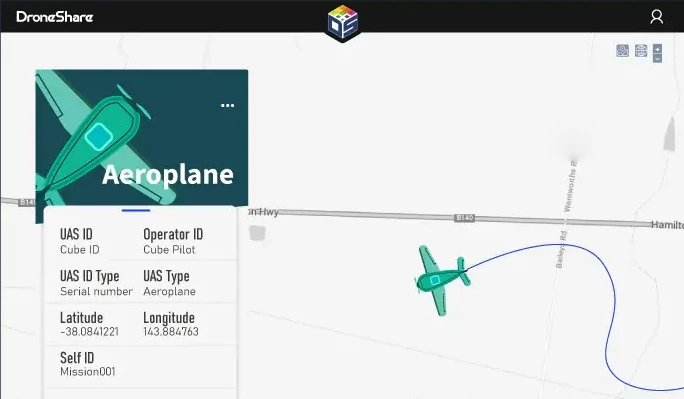
Cube ID on the DroneShare Map
DroneShare shows the drone on a map together with its UAS ID, operator ID, aircraft type and position. It is an easy way to check that the module broadcasts the right data before a mission.
Setting Up the Cube ID in ArduPilot
CubePilot describes the setup in Mission Planner, with The Cube connected to the computer over USB.
1. Firmware with OpenDroneID
Use ArduPilot firmware with OpenDroneID enabled. If the DID_* parameters are missing, create a build at custom.ardupilot.org with Enable OpenDroneID ticked under Ident and install it with Load custom firmware.
2. Parameters
| DID_ENABLE | 1 | turns on OpenDroneID |
| SERIALx_PROTOCOL | MAVLink | port with the module |
| DID_CANDRIVER | 0 | CAN off |
| DID_MAVPORT | x | serial port number |
3. Mission Planner
- Drone ID: UAS ID, UAS ID Type, UA Type
- Operations: Operator ID, Oper ID Type, Self ID Desc, Self ID Type
Then check the drone in the DroneScanner (iOS) or OpenDroneID (Android) app.
Installing and Connecting the Cube ID
Serial Connector Pinout
| Pin | Signal | Wire Colour |
| 1 | VCC_5V | red |
| 2 | TX | black |
| 3 | RX | black |
| 4 | GND | black |
Installation Tips
Cable to The Cube
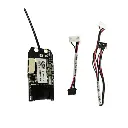
Use the included 6-pin or 8-pin serial cable to connect the module to The Cube.
Mounting
Attach it with a regular adhesive sticker, or with a soft sticker for light vibration isolation.
Antenna Away from the Propeller
Keep the antenna away from the propeller.
Distance from the Body
According to the FCC statement, keep at least 20cm between the antenna and your body during operation.
Other CubePilot Products
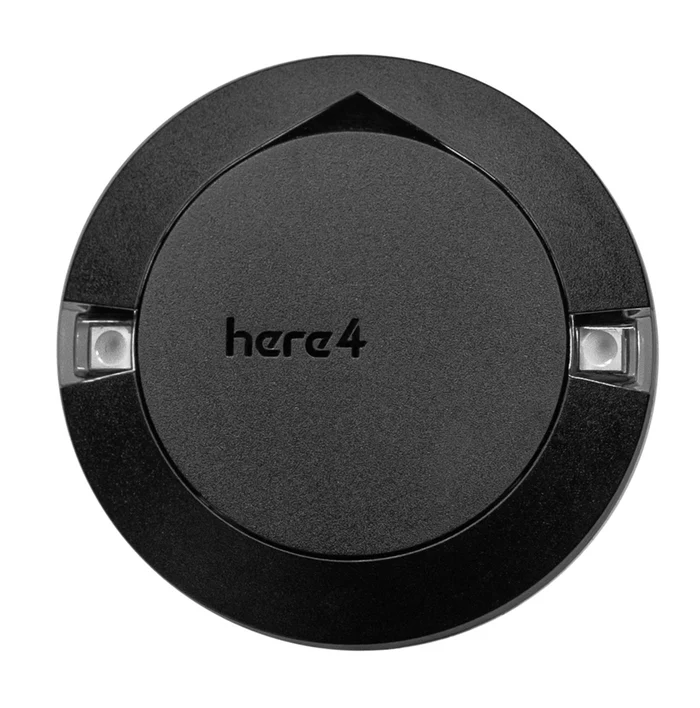
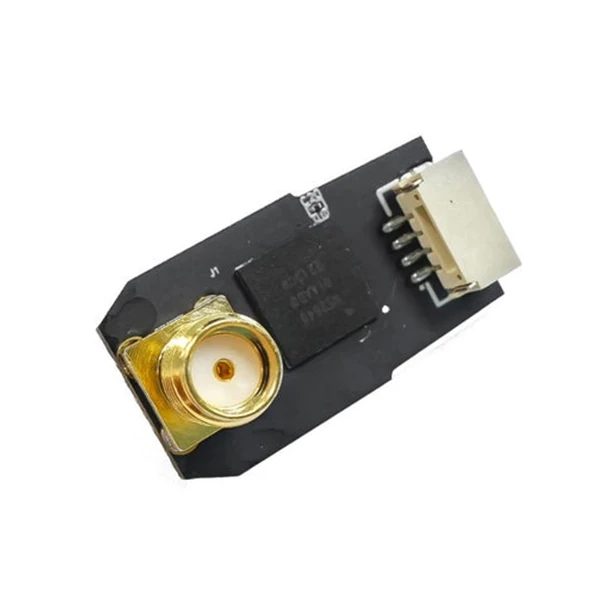
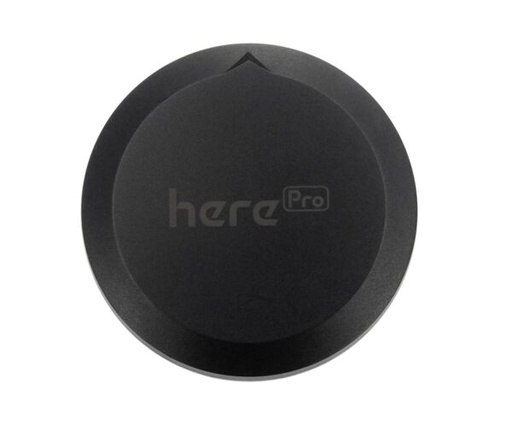
More CubePilot devices for your drone.
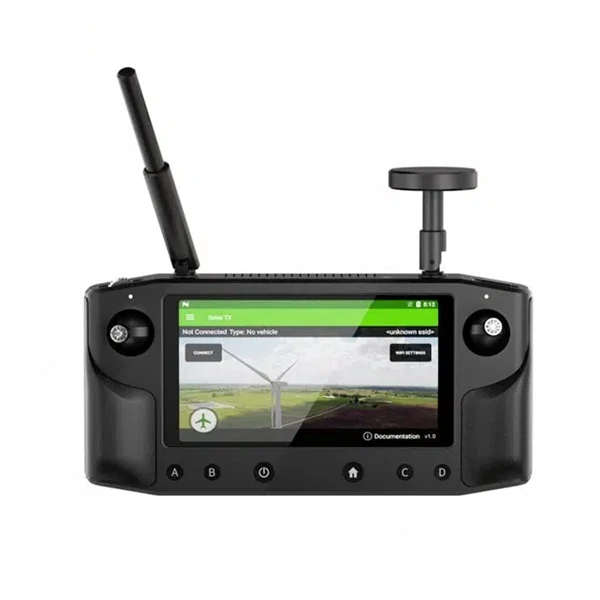
CubePilot Documentation
The documentation for this product is on the manufacturer's website.
Cube ID Specification
Manufacturer | CubePilot |
Manufacturer Code | HX4-06252 |
Version | Serial |
Bluetooth Chip | Nordic NRF52840 (Bluetooth 5.2) |
Frequency | 2402-2480MHz |
Protocol | Serial (MAVLink) |
Power Supply | 5V |
Operating Temperature | -40 to 85°C |
Certification | FCC, CE |
Dimensions | 25x13.75x3.5mm |
Weight | 10g (with cable and antenna) |
Cube ID Package Includes
- 1x Cube ID Serial
- 1x Cube ID to GHR-6 Cable
- 1x Cube ID to GHR-8 Cable