Carrier Board ADS-B Cube
The Carrier Board ADS-B Cube lets your drone know what is flying around it. Aircraft with ADS-B OUT show up on your ground station, and ArduPilot can warn you or move the drone away before things get too close. It is a simple way to add a real layer of safety to professional missions, because the receiver and the antenna are already built into the board your Cube plugs into.
Carrier Board ADS-B Cube — A Conscious Choice for Safety
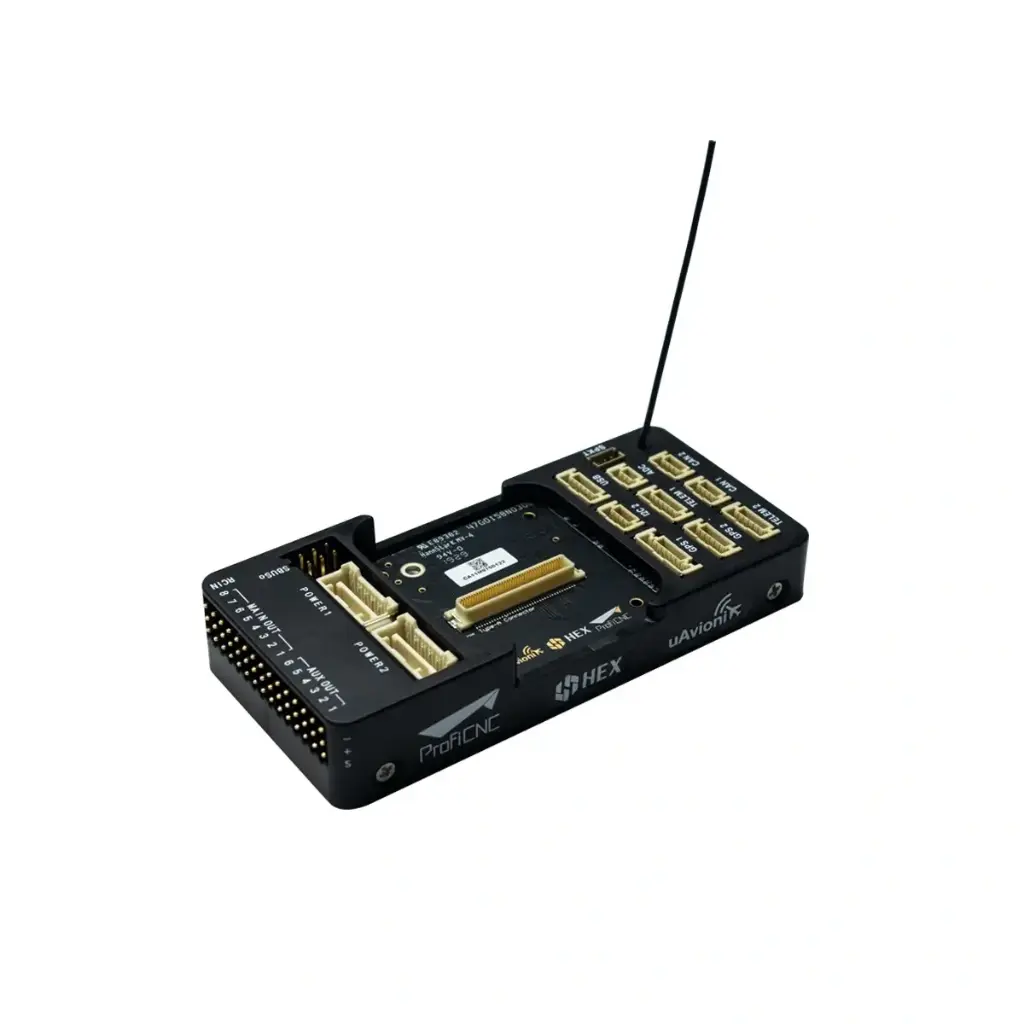
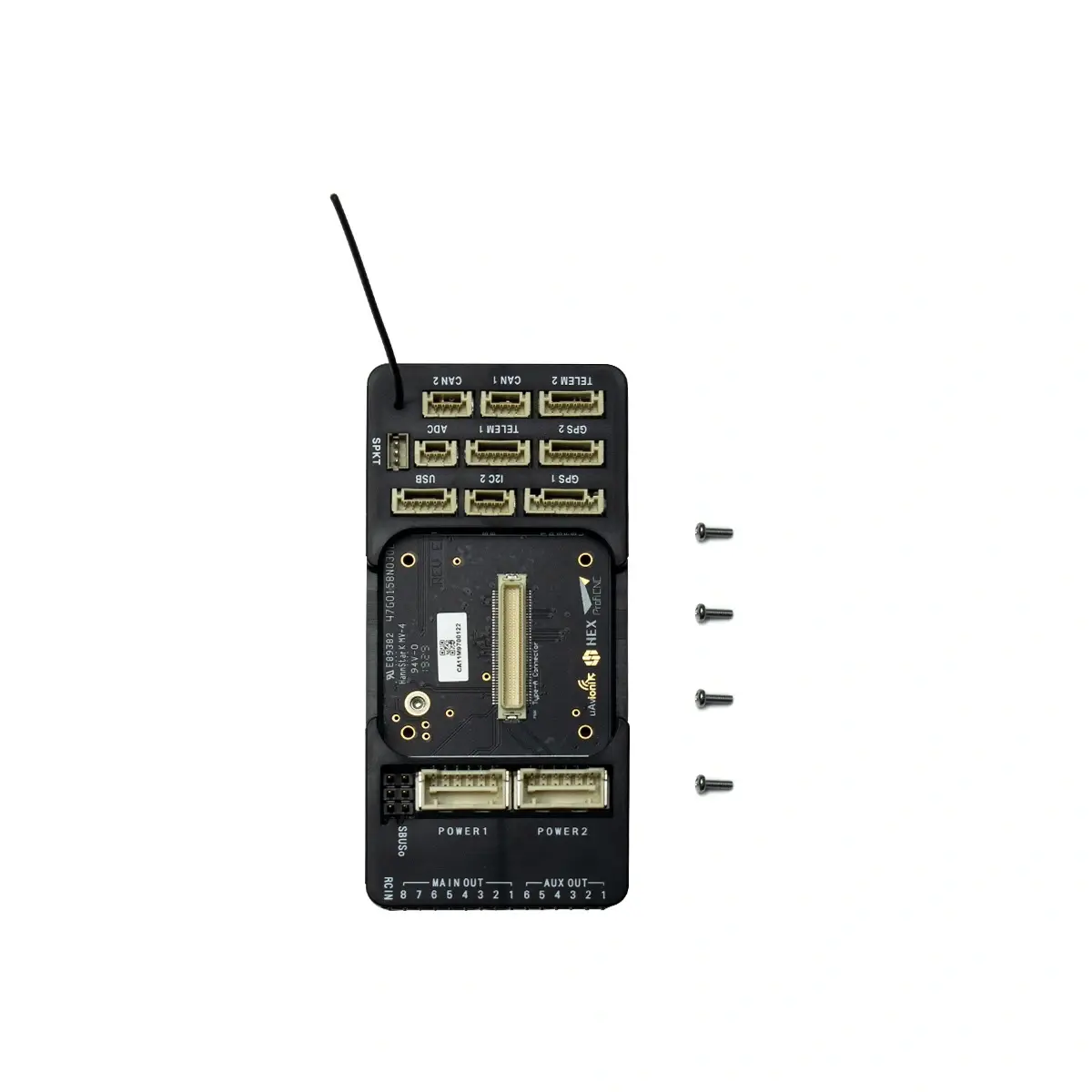
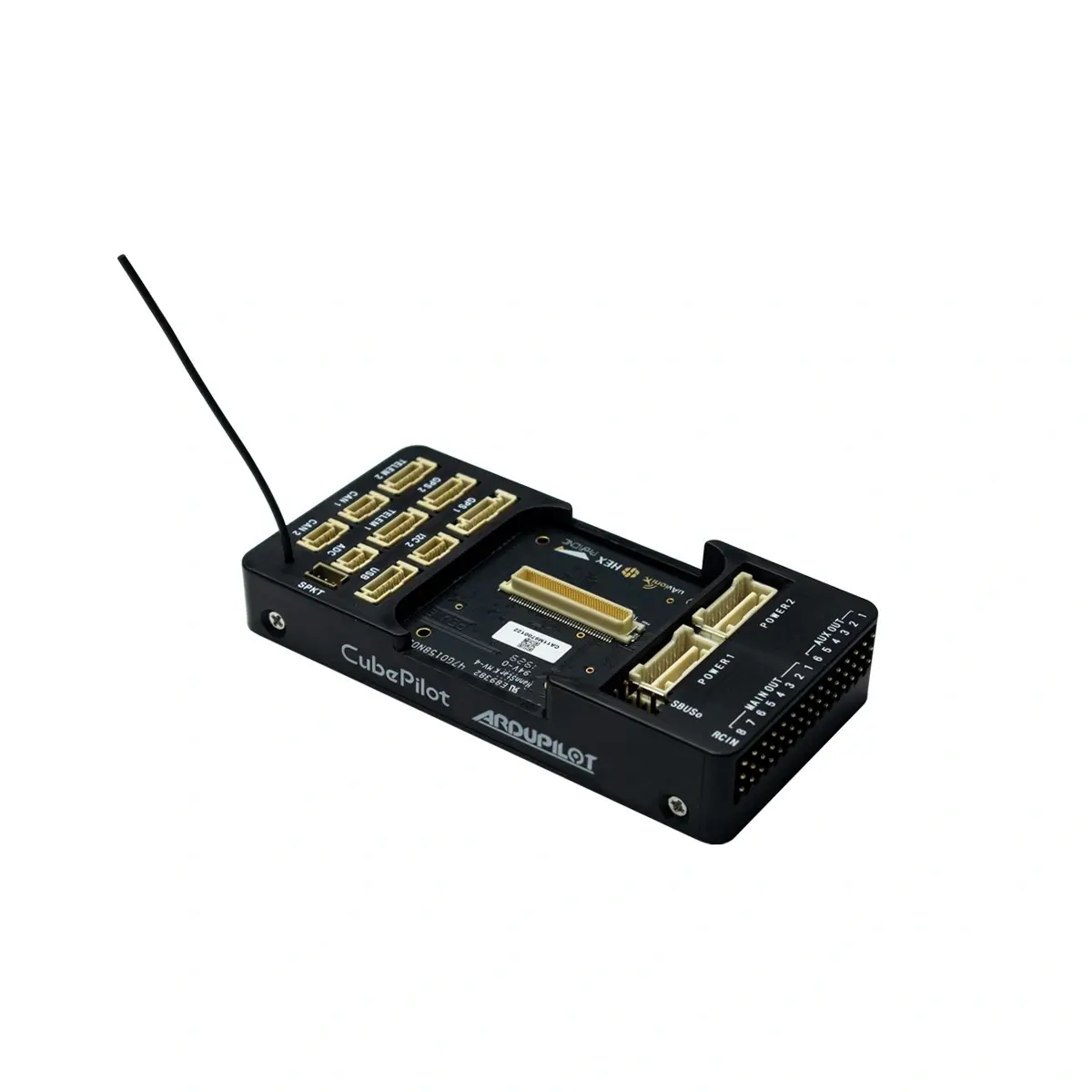
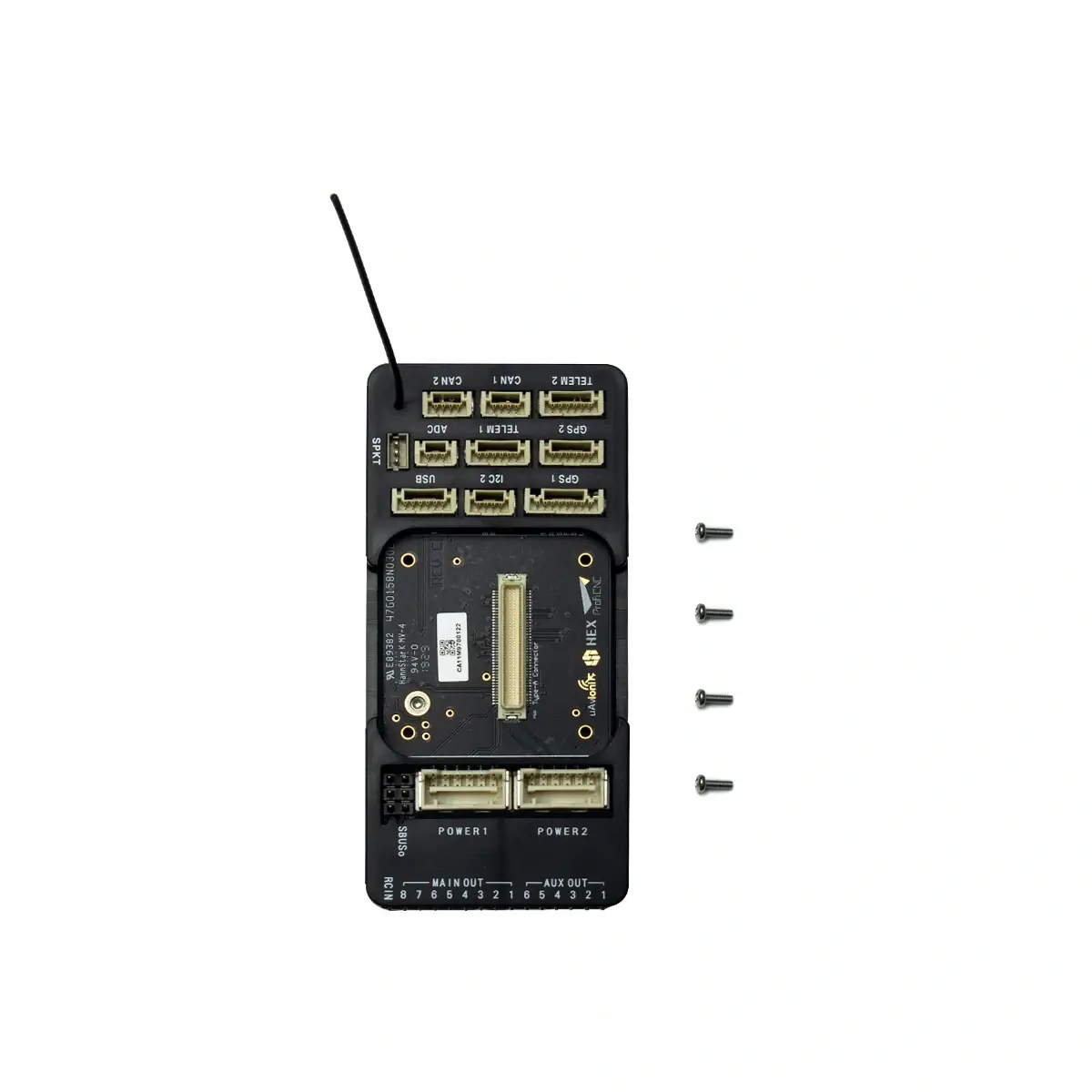
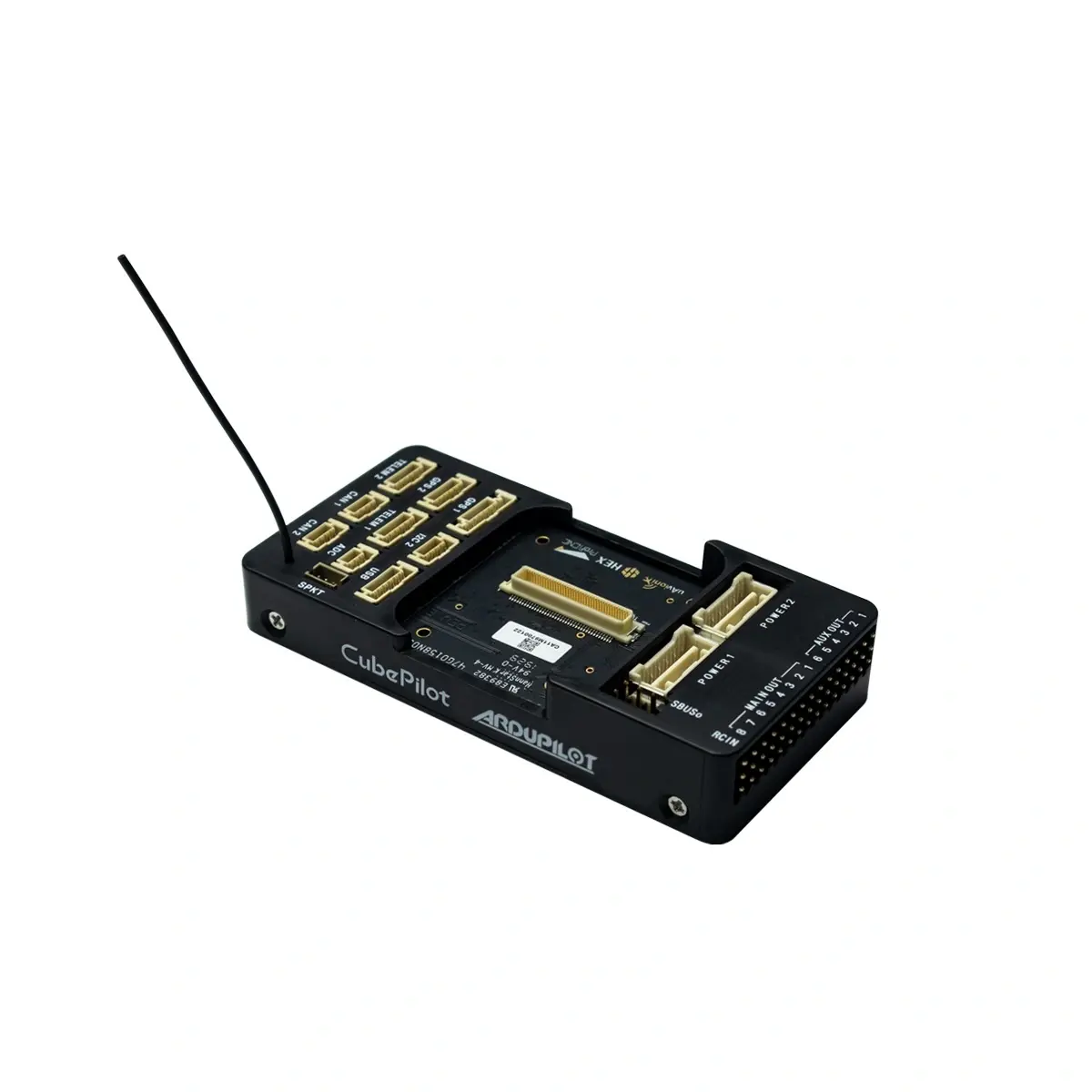
The Carrier Board ADS-B Cube is a carrier board for CubePilot's The Cube autopilots with a built-in ADS-B receiver. The Cube module plugs into it through the standard DF17 connector, and the board breaks out its ports: servo outputs, RC inputs, serial ports, CAN, I2C and power. The integrated uAvionix 1090MHz ADS-B IN receiver with a built-in antenna detects nearby aircraft that transmit ADS-B OUT and passes on their position, altitude, speed and ID. This data can be shown on the ground station, and in ArduPilot you can enable warnings and avoidance. The receiver is connected to the internal SERIAL5 port and works with ArduPilot and PX4. This is a newer version of the carrier board: the Intel Edison bay and the Debug USB ports are gone and the CAN ports are labelled correctly. The board measures 94x44x18mm and weighs 45g. The Cube module is not included.

Carrier Board ADS-B Cube Key Features
Sees Aircraft Nearby
The built-in uAvionix 1090MHz ADS-B IN receiver picks up aircraft that transmit ADS-B OUT. The drone and the operator know about air traffic around them.
Traffic on Your Ground Station
Position, altitude, speed and ID of detected aircraft go to the ground station. The operator sees what is happening in the air around the drone.
The Autopilot Can React
In ArduPilot you can enable warnings and avoidance. On a projected near miss the drone can report it, climb or descend, move aside, hover or return to launch.
No Extra Modules
The ADS-B antenna is built into the board and the receiver uses the internal SERIAL5 port. The external ports stay free for other devices.
Enabling ADS-B on the Carrier Board ADS-B Cube in ArduPilot
CubePilot describes the setup in Mission Planner. First install Plane or Copter firmware (Setup > Install Firmware), then open Config > Full Parameter List, set the parameters and save them with Write Params.
1. ADS-B Reception
| SERIAL5_BAUD | 57 | baud rate |
| SERIAL5_PROTOCOL | 1 | protocol |
| SR0_ADSB | 2 | ADS-B stream rate to the ground station |
| SR1_ADSB / SR2_ADSB | 2 | aircraft data to the ground station via TELEM 1 or TELEM 2 |
2. Warning and Avoidance
Set AVD_ENABLE = 1, save and reboot The Cube. Then set:
| AVD_W_ACTION | 1 | warning on |
| AVD_F_ACTION | 0-6 | reaction to a projected near miss |
| AVD_F_RCVRY | 3 | after the threat: resume AUTO, otherwise Loiter |
AVD_F_ACTION values: 0 no response, 1 report, 2 climb or descend, 3 move horizontally, 4 move perpendicularly in 3D, 5 RTL, 6 hover.
Carrier Board ADS-B Cube Ports
Connectors on the Board
POWER1POWER2TELEM 1TELEM 2GPS 1GPS 2CAN 1CAN 2I2C 2ADCUSBSPKTSBUSoRCINMAIN OUT 1-8AUX OUT 1-6
The Cube I/O Available Through the Board
- 14 PWM servo outputs (8 from IO, 6 from FMU)
- R/C inputs for CPPM, Spektrum/DSM and S.Bus
- analog/PWM RSSI input
- S.Bus servo output
- 5 general-purpose serial ports, 2 with full flow control
- 2 I2C ports
- 2 CAN Bus interfaces
- 3 analog inputs
- piezo buzzer driver
- RGB LED (I2C, external connection only)
- safety switch/LED
Other CubePilot Products
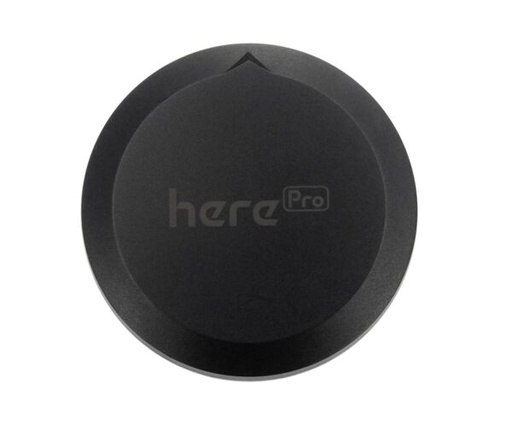
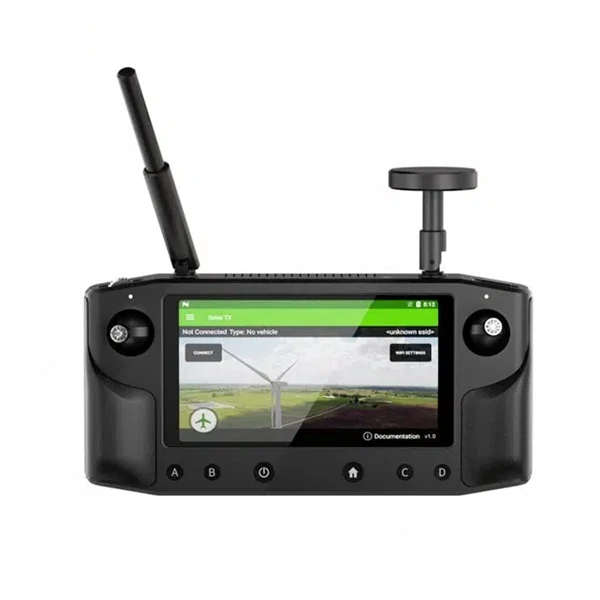
Devices that work with the Cube on this board.
CubePilot Documentation
The documentation for this product is on the manufacturer's website.
Carrier Board ADS-B Cube Specification
Manufacturer | CubePilot |
Manufacturer Code | HX4-06105 |
ADS-B Receiver | uAvionix 1090MHz ADS-B IN |
ADS-B Antenna | Built-in |
Receiver Port | Internal SERIAL5 |
Cube Connector | DF17 |
Firmware | ArduPilot, PX4 |
Dimensions | 94x44x18mm |
Weight | 45g |
Carrier Board ADS-B Cube Package Includes
- 1x Carrier Board ADS-B Cube
- 4x Board Mount Screw
- 4x Cube Mount Screw M1.6x20